
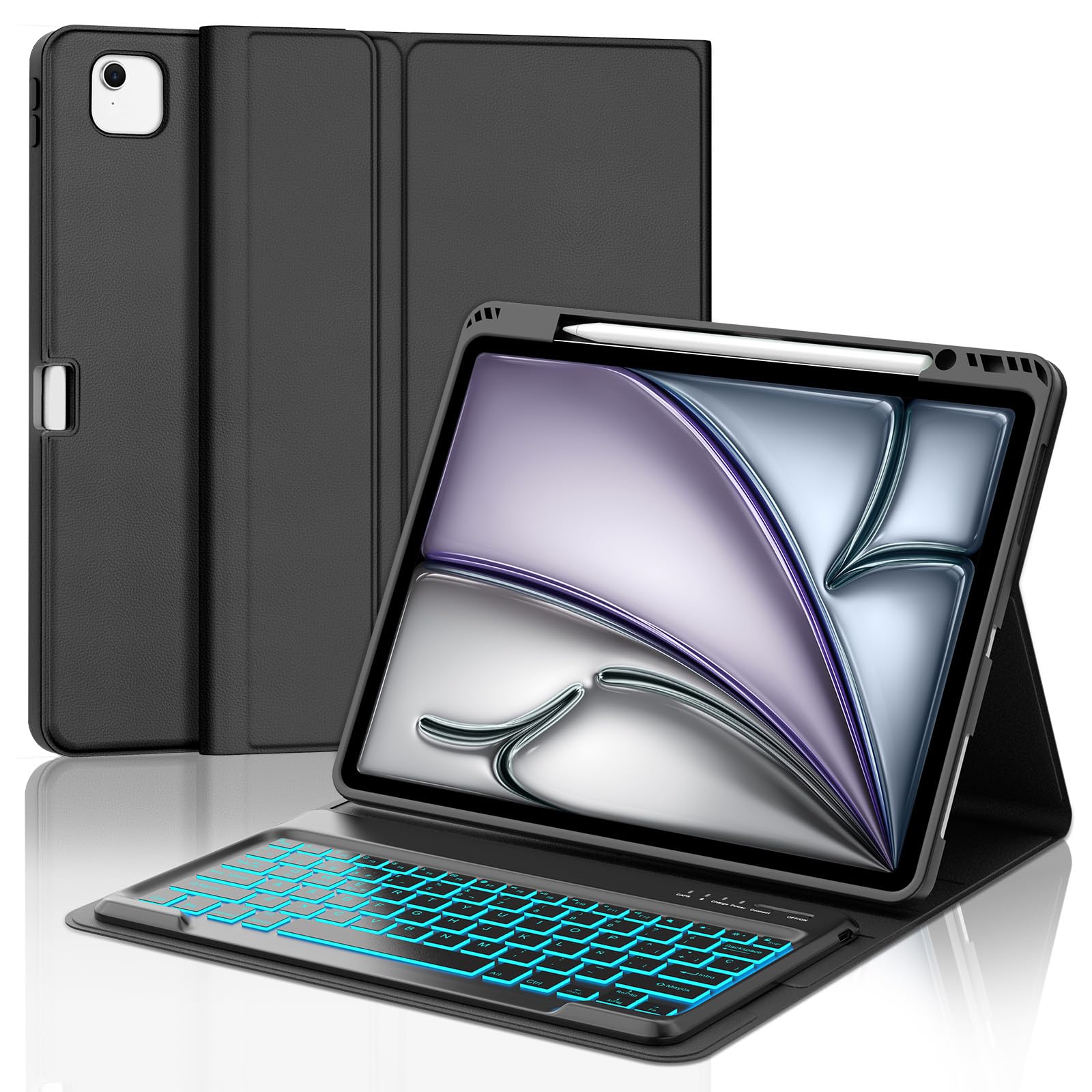
Destacado
Teclado para iPad Air 13 Pulgadas M4 2026/M3 2025/M2 2024, Funda Cover Keyboard Retroiluminado de 7 Colores Español Ñ Bluetooth Desmontable para iPad Pro 12.9 3-6 Gen, Soporte para Lápiz, Negro
33,99 €
Precio consultado el 22/06/2026, 23:36; puede cambiar. Ver precio de hoy →
Descripción
Keyboard for iPad Air 13 Inch M4 2026/M3 2025/M2 2024, Detachable Spanish Keyboard Case Cover for iPad Pro 12.9 3-6 Gen, Pen Holder, Applicable models: *iPad Air 13 Inch M4 2026 (Model:A3462/A3464) *iPad Air 13 Inch M3 2025 (Model:A3268/A3269/A3271) *iPad Air 13 Inch M2 2024 (Model:A2898/A2899/A2900) *iPad Pro 12.9 (6th/5th/4th/3rd Gen 2022/2021/2020/2018, A2436, A2437, A2764, A2766, A2378, A2379, A2461, A2462, A2462, A2462, A2462, A2462, A2462, A2229. A2069, A2232, A2233, A1876, A2014, A1895, A1983) How to connect Bluetooth keyboard: Step 1: Turn on the Bluetooth keyboard power switch. The blue power indicator lights up. Step 2: Press the [Connect] button. The [Bluetooth] indicator flashes blue. Step 3: Unlock the tablet. Click the "Settings" symbol on the home page. Step 4: In the "Settings" setting, activate the "Bluetooth" button so that the tablet is in the "Searching" state. Step 5: The tablet displays the "Bluetooth Keyboard" as an available device. Click "Bluetooth Keyboard" on the tablet screen. Step 6: The name "Bluetooth Keyboard" is displayed as "Connected". How do I switch to the layout in Spanish? Step 1: First set up the Spanish keyboard on your tablet. Step 2: fn+space to change keyboard settings available in Spanish. Step 3: Make both settings consistent. Step 4: The Spanish configuration has finished. Packing: 1* Case for iPad Air 13 inch M4 2026/M3 2025/M2 2024 1* iPad Air 13 Inch M4 2026/M3 2025/M2 2024 Bluetooth Keyboard [Spanish QWERTY Layout]. 1* Charging Cable 1* Instruction Manual
| Batteries | 1 9V batteries required. (included) |
| Country/region of origin | China |
| Guaranteed software updates until | unknown |
| Language | Spanish |
| Manufacturer | IVEOPPE |
| Package dimensions | 34.5 x 25.5 x 3 cm; 600 g |
Fundas Teclado para iPad Pro de 12.9 Pulgadas con touchpad, teclado en español, trackpad y soporte ajustable.
-
 TECHGEAR QWERTY - Funda con teclado para Apple iPad Air de 13 pulgadas 2025/2024, soporte flotante magnético, trackpad multitáctil de precisión, retroiluminación de 7 colores, QWERTY, para iPad Pro de
-
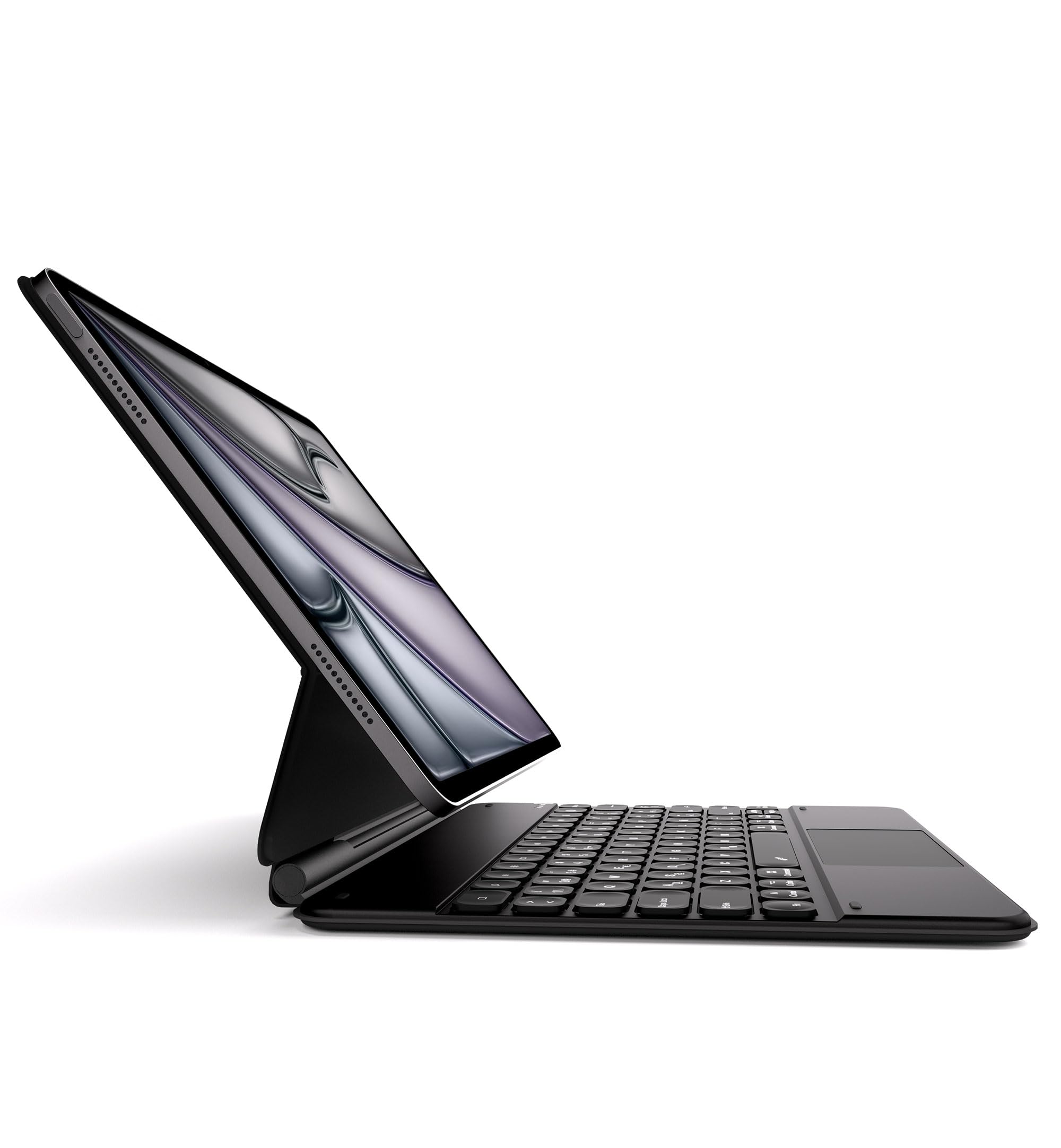 Dracool Funda Teclado para iPad Air 13 (M2/M3), iPad Pro 12,9" (6.ª/5.ª/4.ª/3.ª Gen) con Trackpad Magic Type, 7 Colores Retroiluminado Bluetooth QWERTY Español Ñ, Negro
-
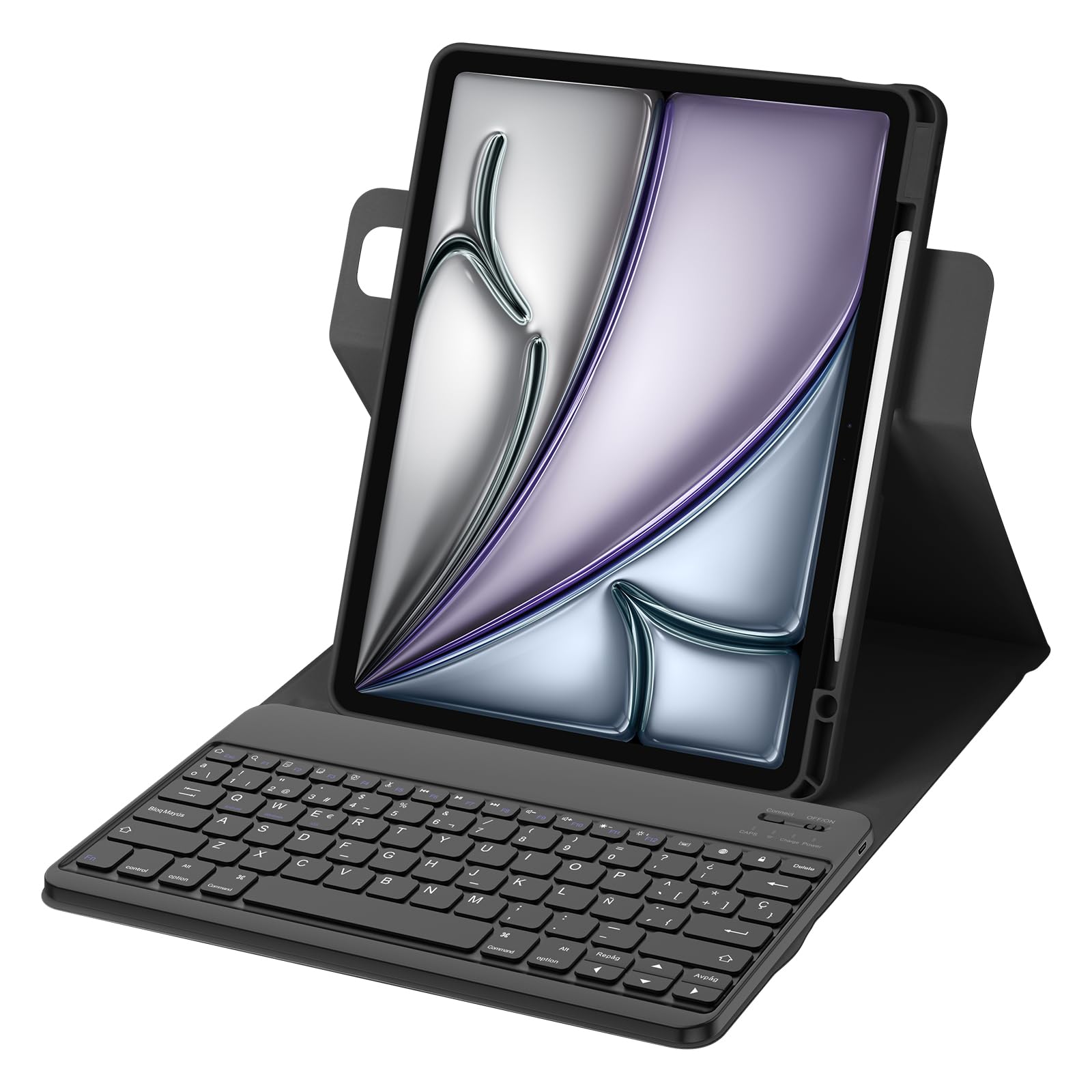 Bettdow para iPad Air 13 Pulgadas M3 2025/M2 2024 Funda con Teclado, Uso Vertical/Horizontal, Desmontable Español Ñ Teclado para Air 13"/iPad Pro de 12,9 Pulgadas (6ª, 5ª, 4ª, 3ª Generación), Negro
-
 Funda con teclado Magic Keyboard de diseño QWERTZ alemán para iPad Air de 13 pulgadas (M4/M3/M2, 2026/2025/2024) y iPad Pro de 12,9" (3ª, 4ª, 5ª, 6ª generación), funda con teclado magnético y trackpad
-
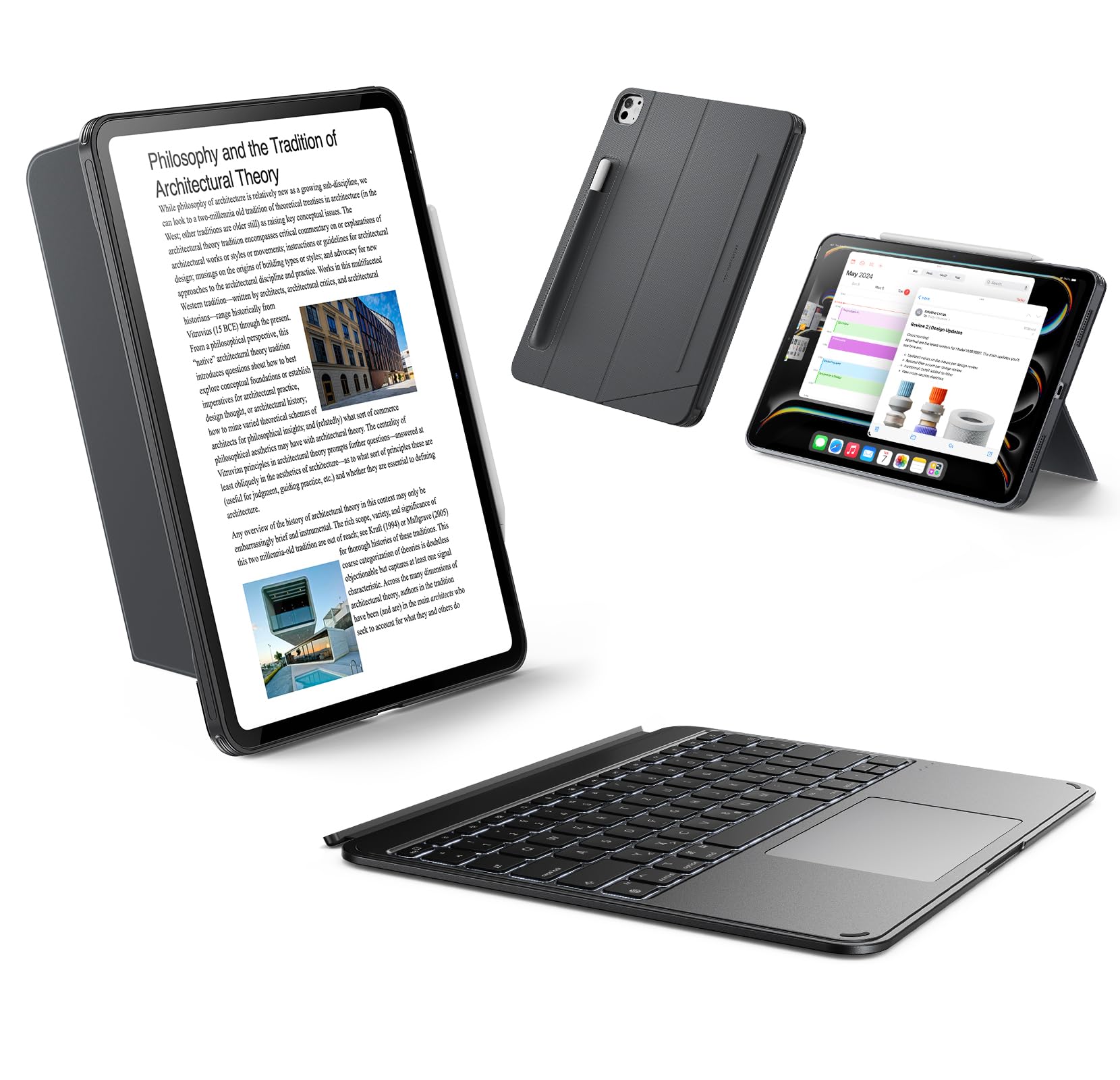 ESR Funda con teclado para iPad Air de 13" (M3/M2) 2025/2024 - Teclado desmontable magnéticamente, modo vertical y horizontal, gran clic en cualquier lugar, teclas retroiluminadas, serie Shift, gris
-
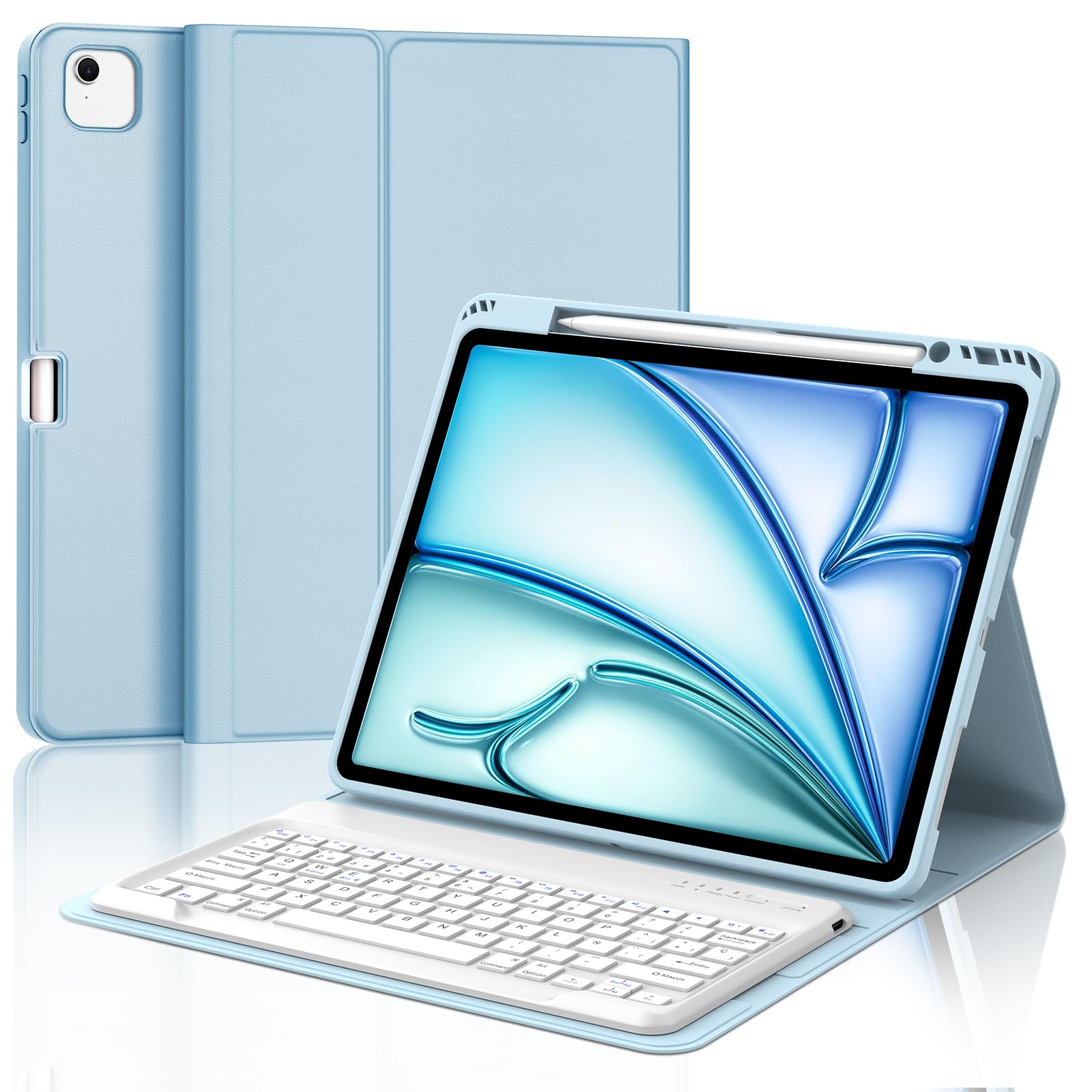 Funda Teclado para iPad Air 13'' M4 2026/M3 2025/ M2 2024, Español Ñ Tecla para Air 13'', Teclado Bluetooth Desmontable para iPad Pro 12.9 (3rd/4th/5th/6th Gen), Azul
-
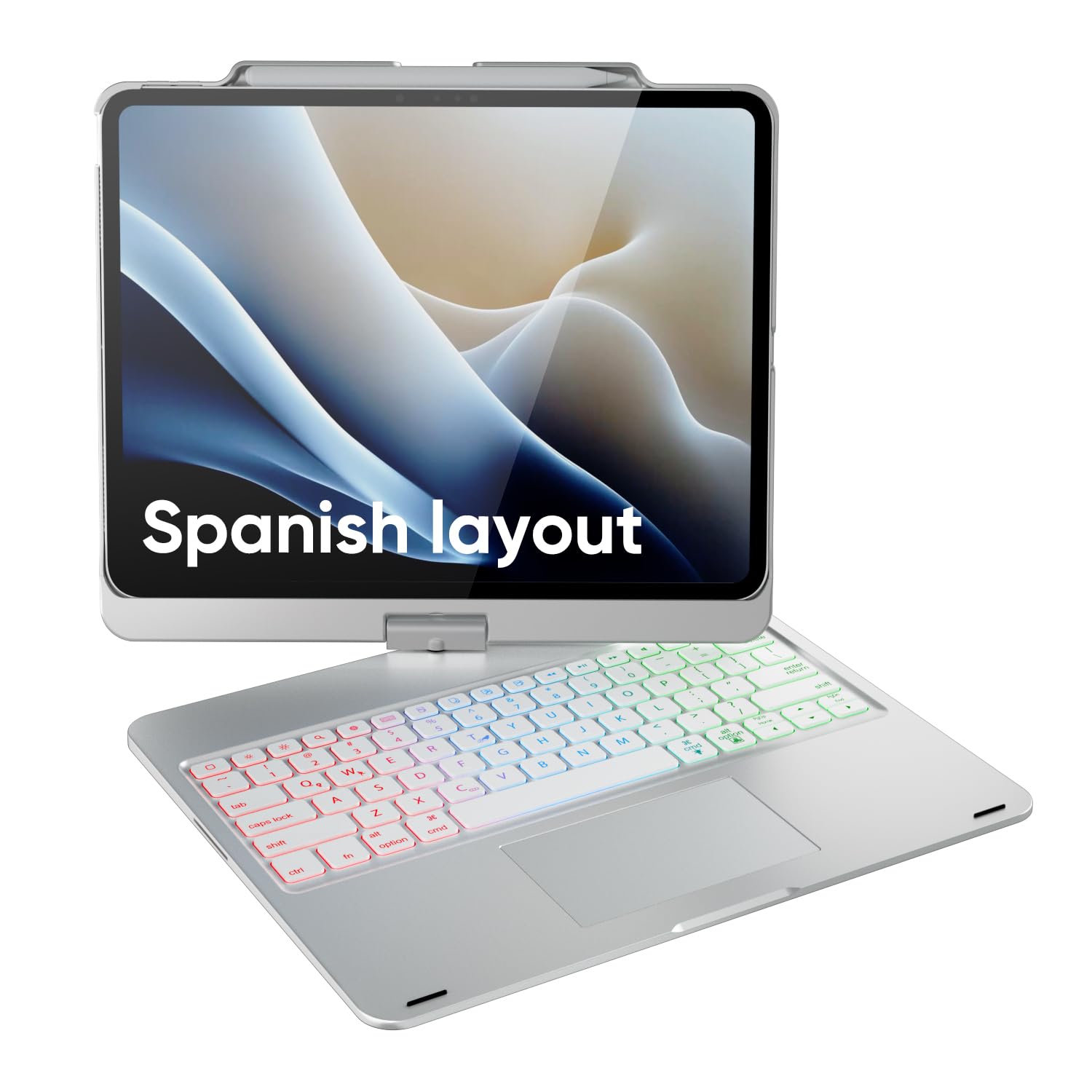 doqo Funda con Teclado para iPad Air de 13 Pulgadas (M4/M3/M2), iPad Pro 13 (M5/M4), iPad Pro 12,9" (6.ª/5.ª/4.ª/3.ª Gen) 360°, Panel táctil, Teclado retroiluminado de 7 Colores
-
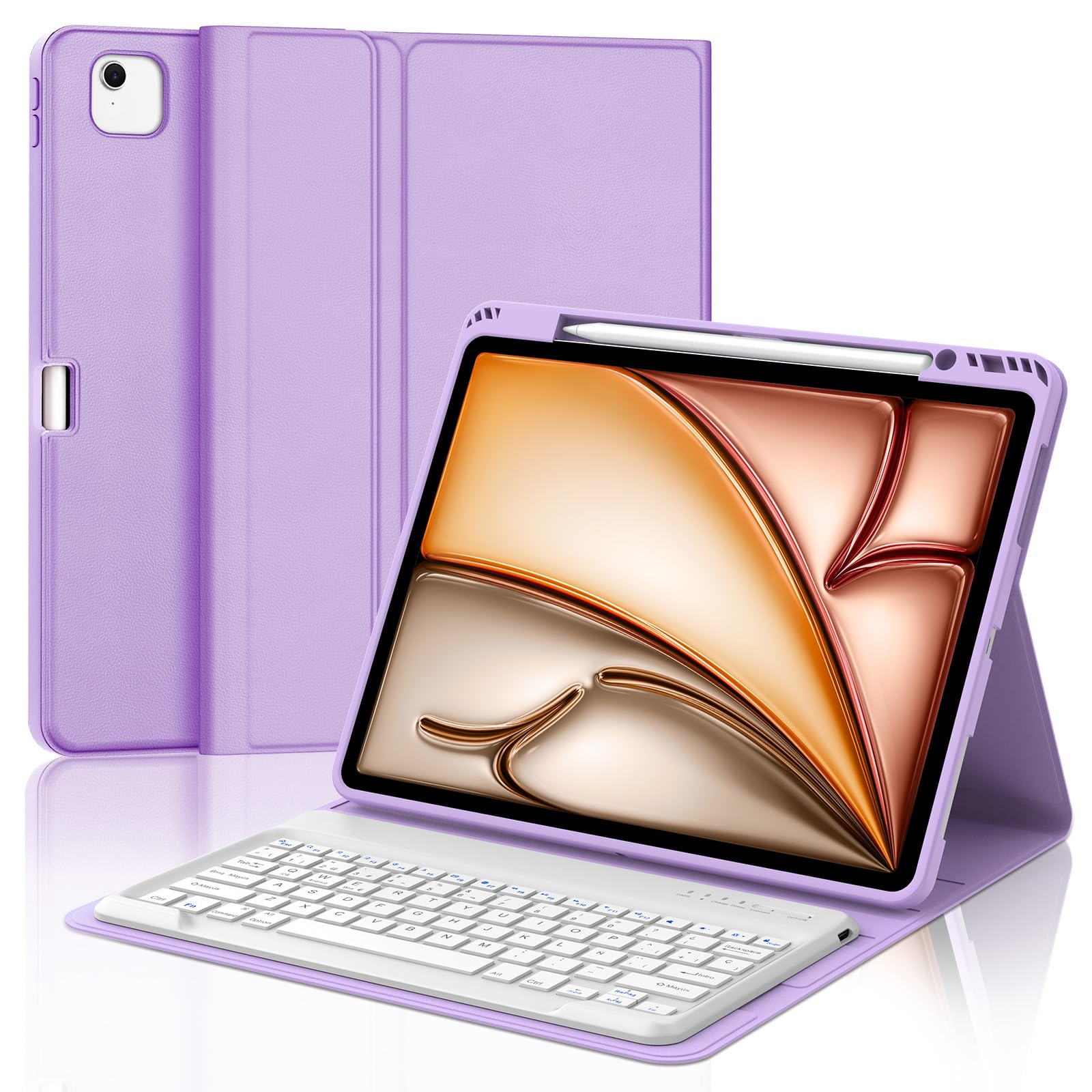 Funda Teclado para iPad Air 13 Pulgadas (M4/M3/M2, 2026/2025/2024) - QWERTY Español Ñ, Magnético Desmontable Bluetooth Teclado, Funda con Portalápices(Lila Claro)
-
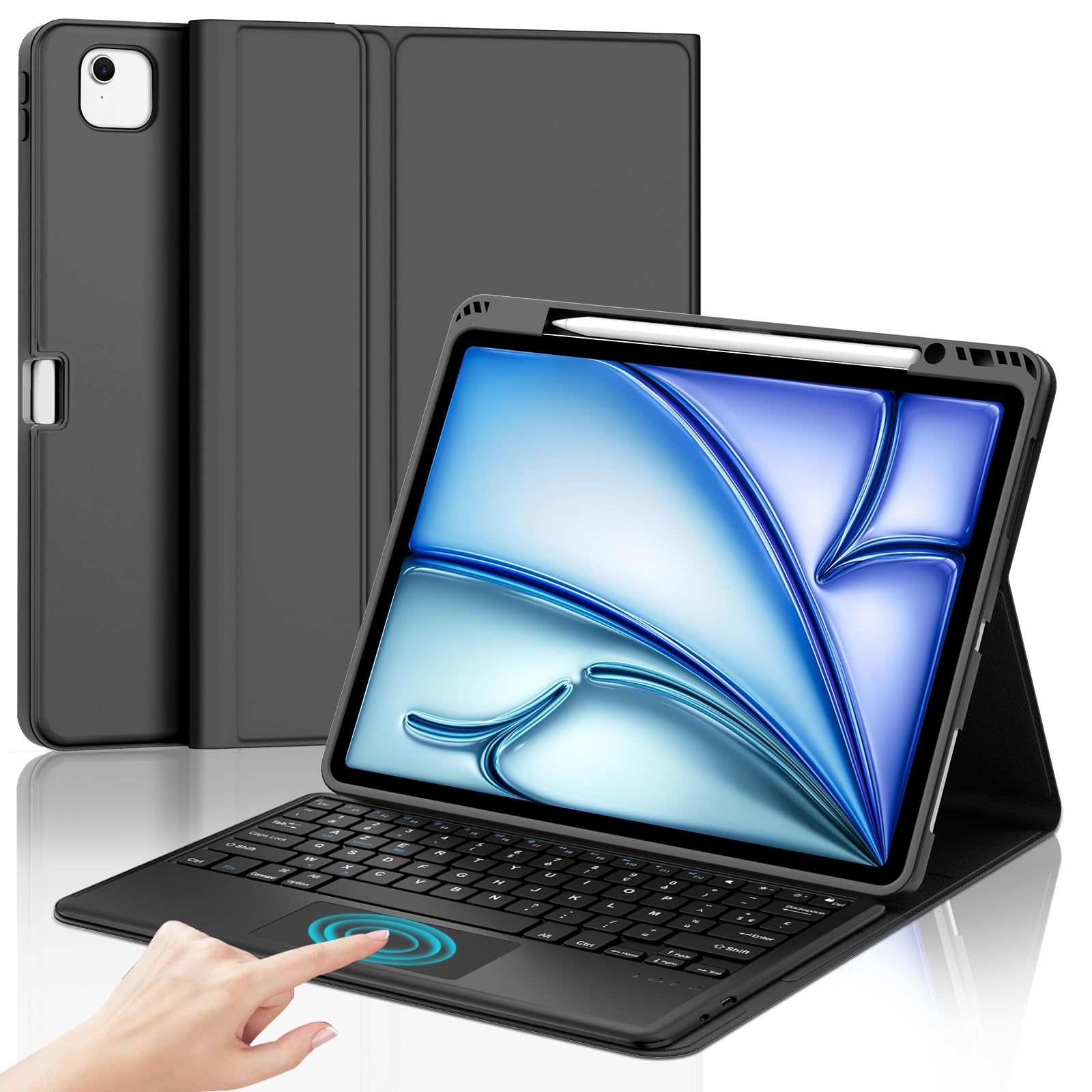 FOGARI Teclado para iPad Air 13 Pulgadas M2/M3 con Touchpad, Funda para iPad Air 13 M2/M3 2024/2025 con Español Ñ Teclado Bluetooth con Trackpad, Negro
Fundas Teclado para iPad Air 13 Pulgadas en color negro, touchpad, teclado en español, trackpad y Bluetooth desmontable.
-
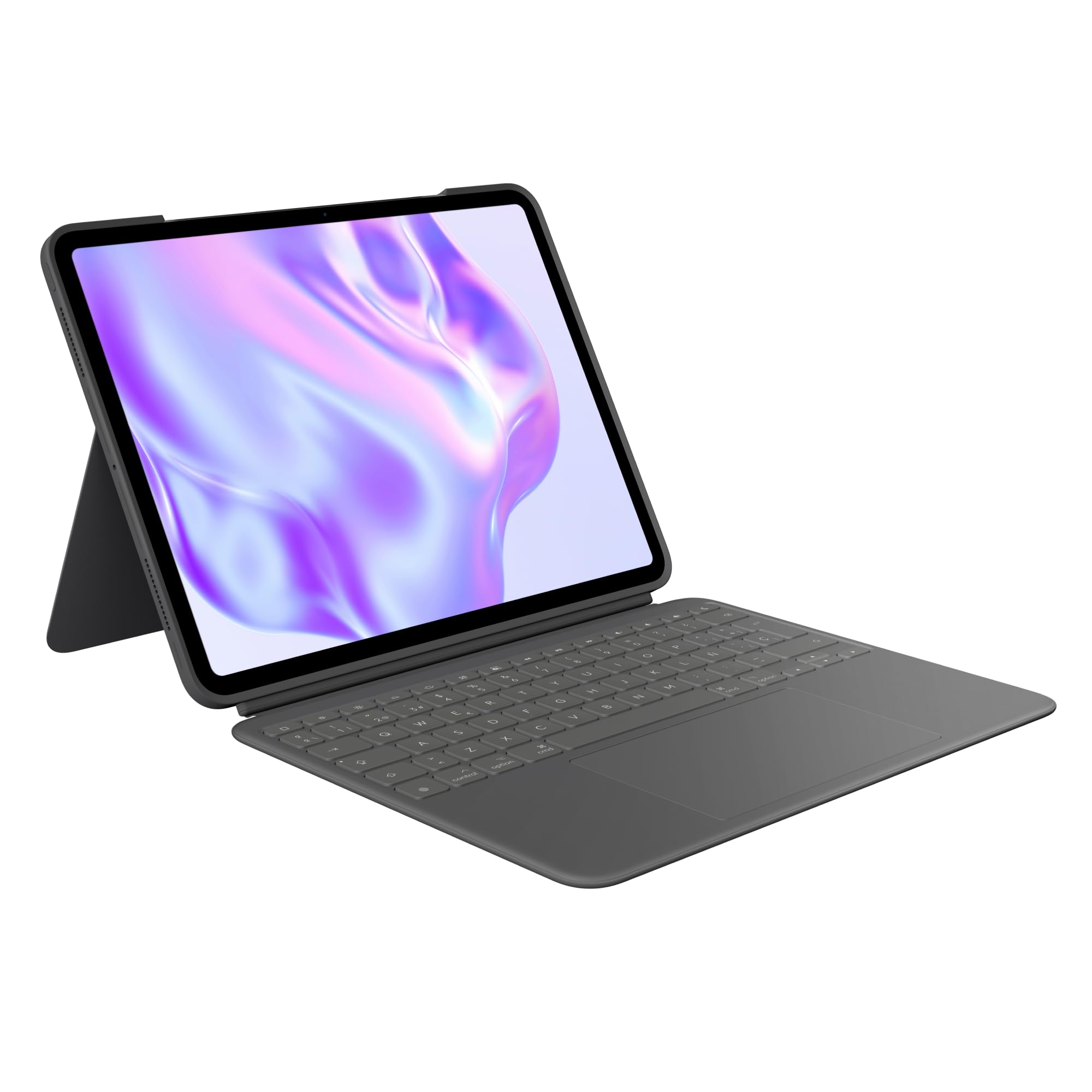 Logitech Combo Touch, Funda con Teclado, iPad Pro 13 Pulgadas (M4)(2024) - Teclado retroiluminado extraíble con Soporte abatible, Escritura cómoda, Modo Multiuso, Disposición QWERTY Español - Grafito
-
![CACOE Funda Teclado iPad Pro 13" M5/M4 2025/2024, Iluminación de 7 Colores, [Español] QWERTY, Magnético Desmontable Bluetooth Teclado con Touchpad para iPad Pro 13 M5/M4 2025/2024 , Negro Global Recycled Standard Global Recycled Standard Global Recycled Standard](https://m.media-amazon.com/images/I/91AHAeQKKqL.jpg) CACOE Funda Teclado iPad Pro 13" M5/M4 2025/2024, Iluminación de 7 Colores, [Español] QWERTY, Magnético Desmontable Bluetooth Teclado con Touchpad para iPad Pro 13 M5/M4 2025/2024 , Negro Global Recycled Standard Global Recycled Standard Global Recycled Standard
CACOE Funda Teclado iPad Pro 13" M5/M4 2025/2024, Iluminación de 7 Colores, [Español] QWERTY, Magnético Desmontable Bluetooth Teclado con Touchpad para iPad Pro 13 M5/M4 2025/2024 , Negro Global Recycled Standard Global Recycled Standard Global Recycled Standard
-
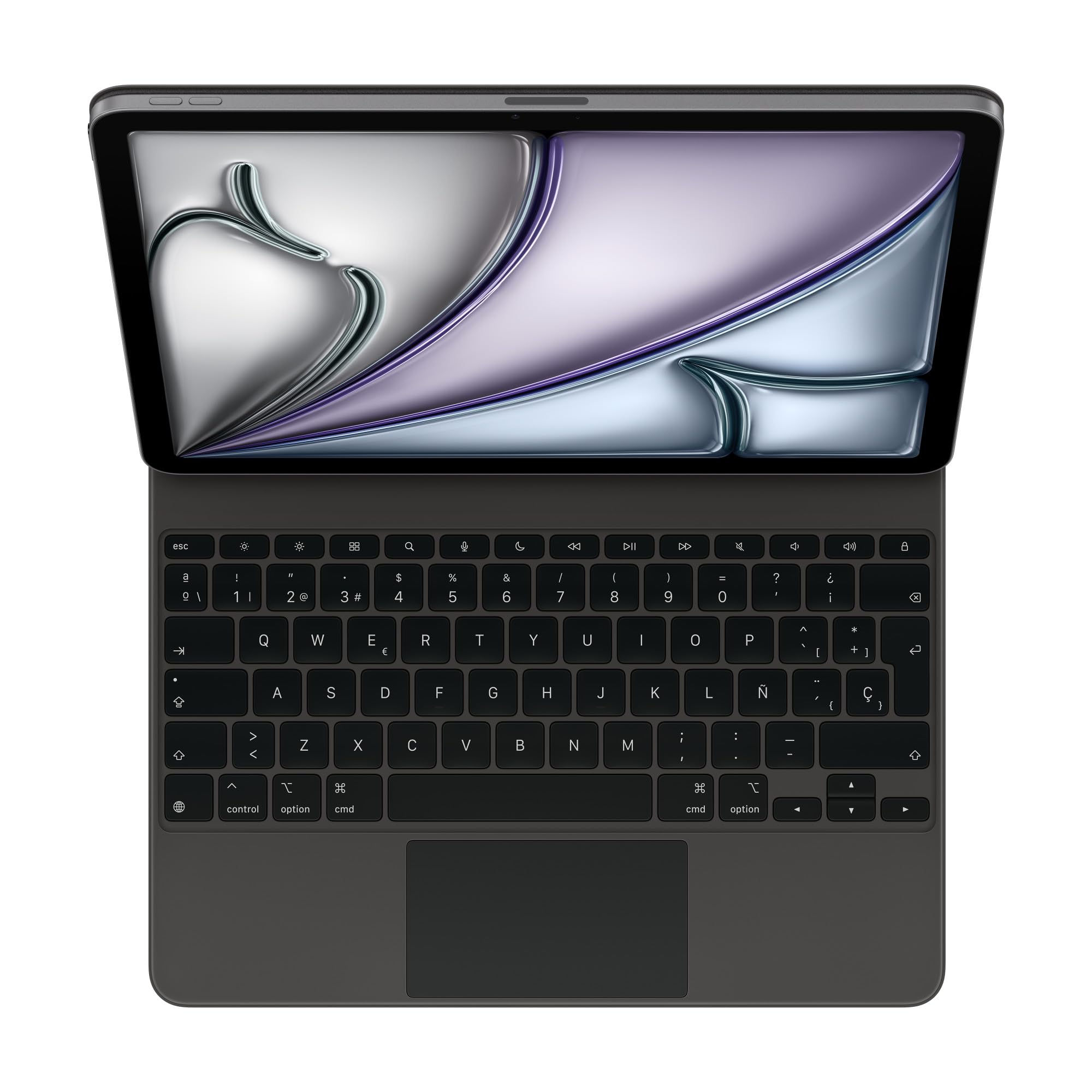 Apple Magic Keyboard para el iPad Air de 13 Pulgadas (M3) - Español Negro
-
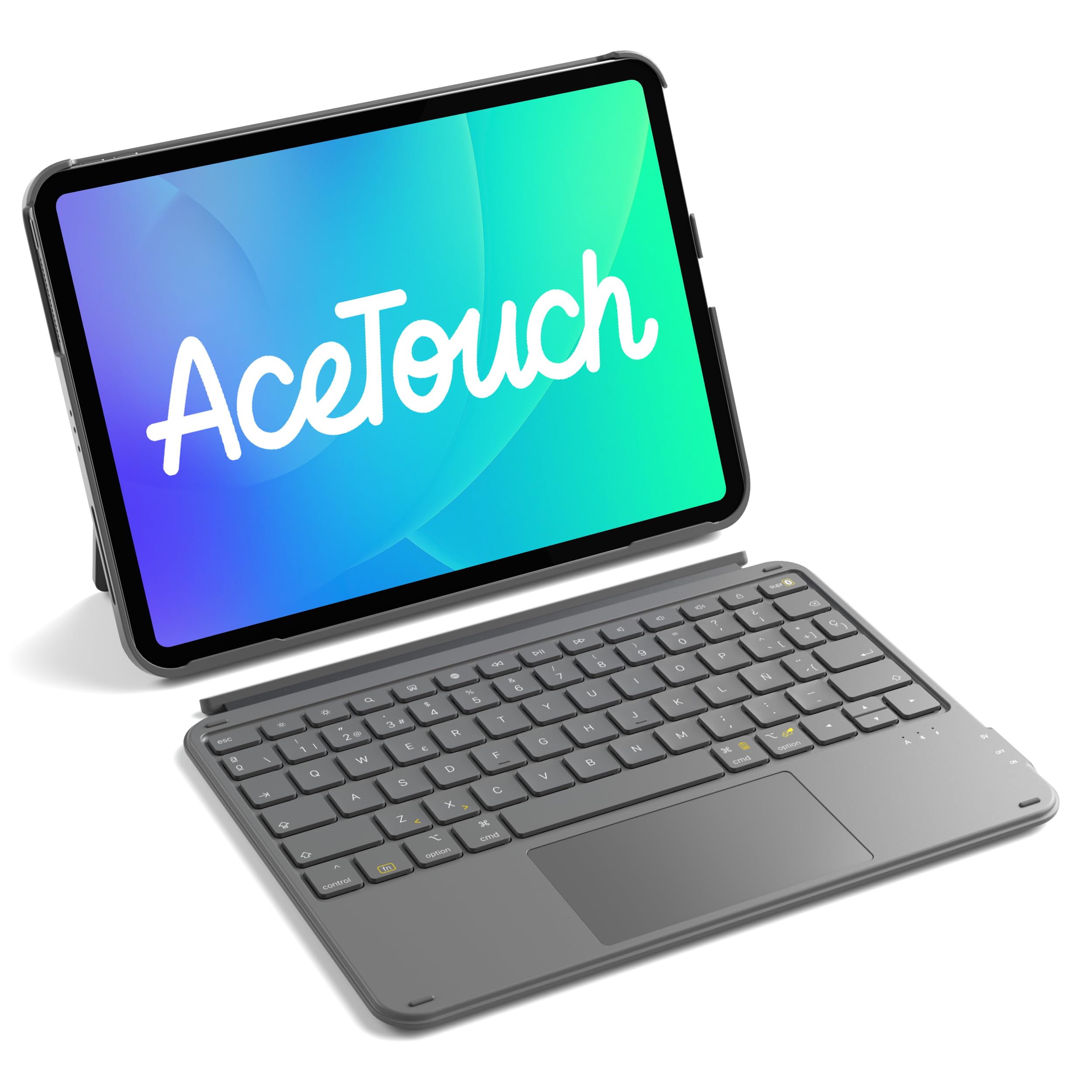 Inateck Funda con Teclado para iPad A16 2025, 10/11 Gen (10.9/11"), Air 11" M4/M3/M2, Air 6/5/4, Pro 11 (1-4Gen), QWERTY Español Ñ, Bluetooth Magnético Desmontable con Trackpad, Gris AceTouch
-
 KBCASE Funda con teclado para iPad Air de 13 pulgadas M4/M3/M2 (2026/2025/2024)/para iPad Pro 12.9 6ª/5ª/4ª/3ª generación, funda giratoria de 360° con panel táctil y soporte para lápiz para iPad Air
-
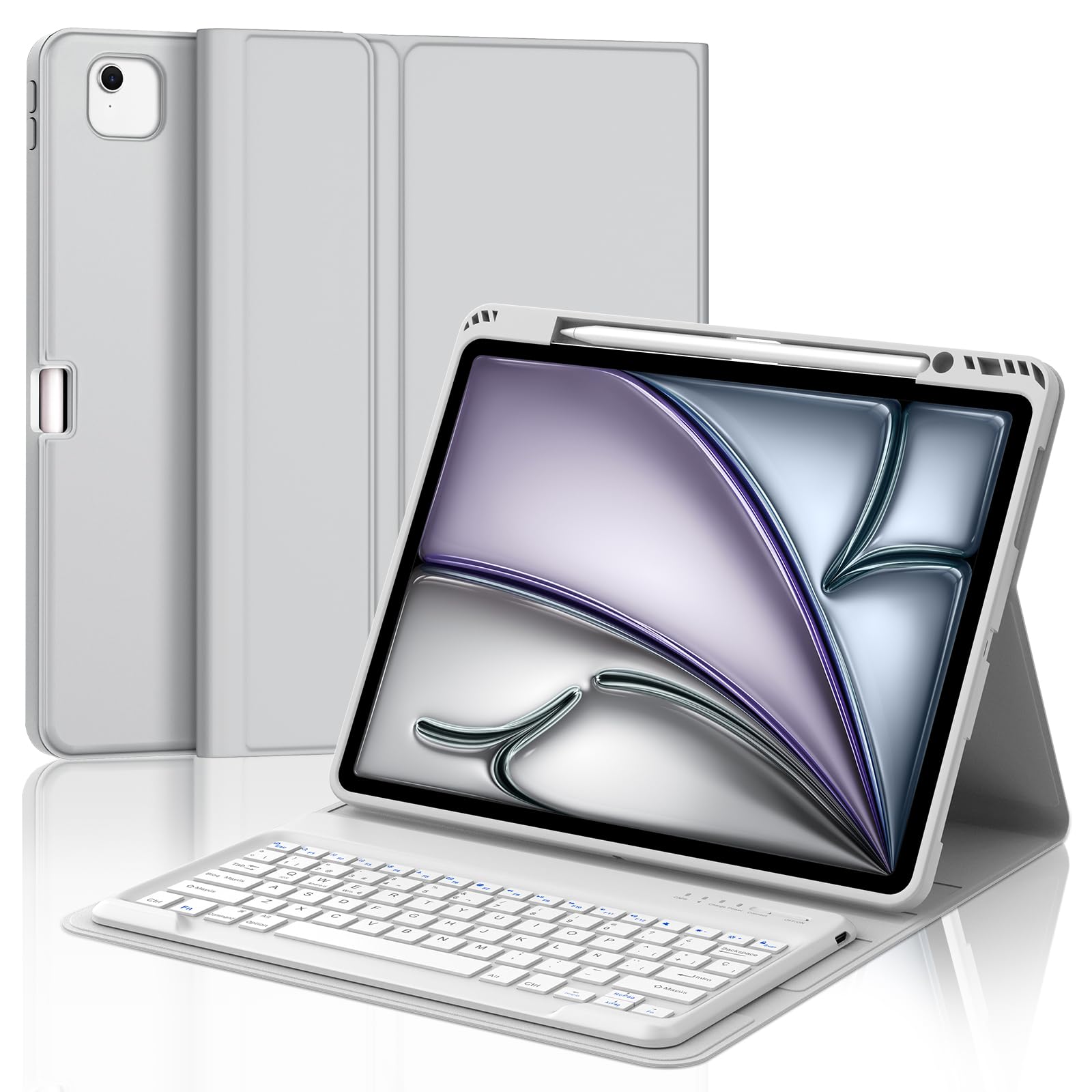 Funda con Teclado para iPad Air 13 Pulgadas (M3 2025, M2 2024)/iPad Pro 12.9 Pulgadas (6.ª/5.ª/4.ª/3.ª Generación), Teclado Bluetooth Inalámbrico con Funda Delgada y Ranura para Bolígrafo-Gris Claro
-
 Magic Keyboard - Funda magnética para iPad Pro de 12,9 pulgadas (3ª, 4ª, 5ª, 6ª generación) y Air de 13" (M3/M2), teclado magnético con panel táctil, iluminación y disposición alemana QWERTZ
-
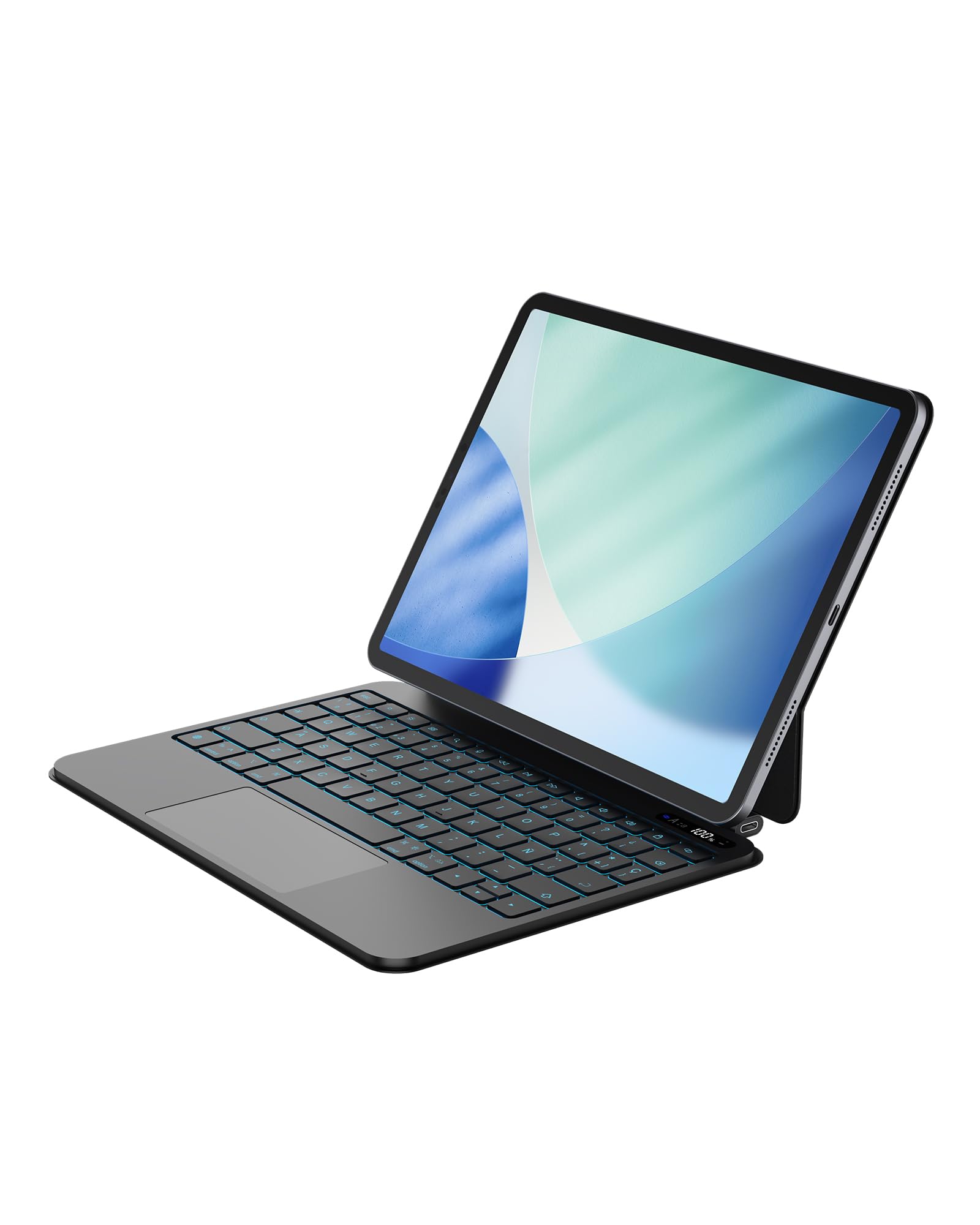 Bettdow Teclado para iPad Air 11" M4 2026/M3 2025/M2 2024, Español Ñ Ligera de Aleación de Aluminio Magnético Flotante Diseño Teclado con Trackpad para Air 5ª/4ª 10,9"/iPad Pro 11" 4ª/3ª/2ª/1ª, Negro
-
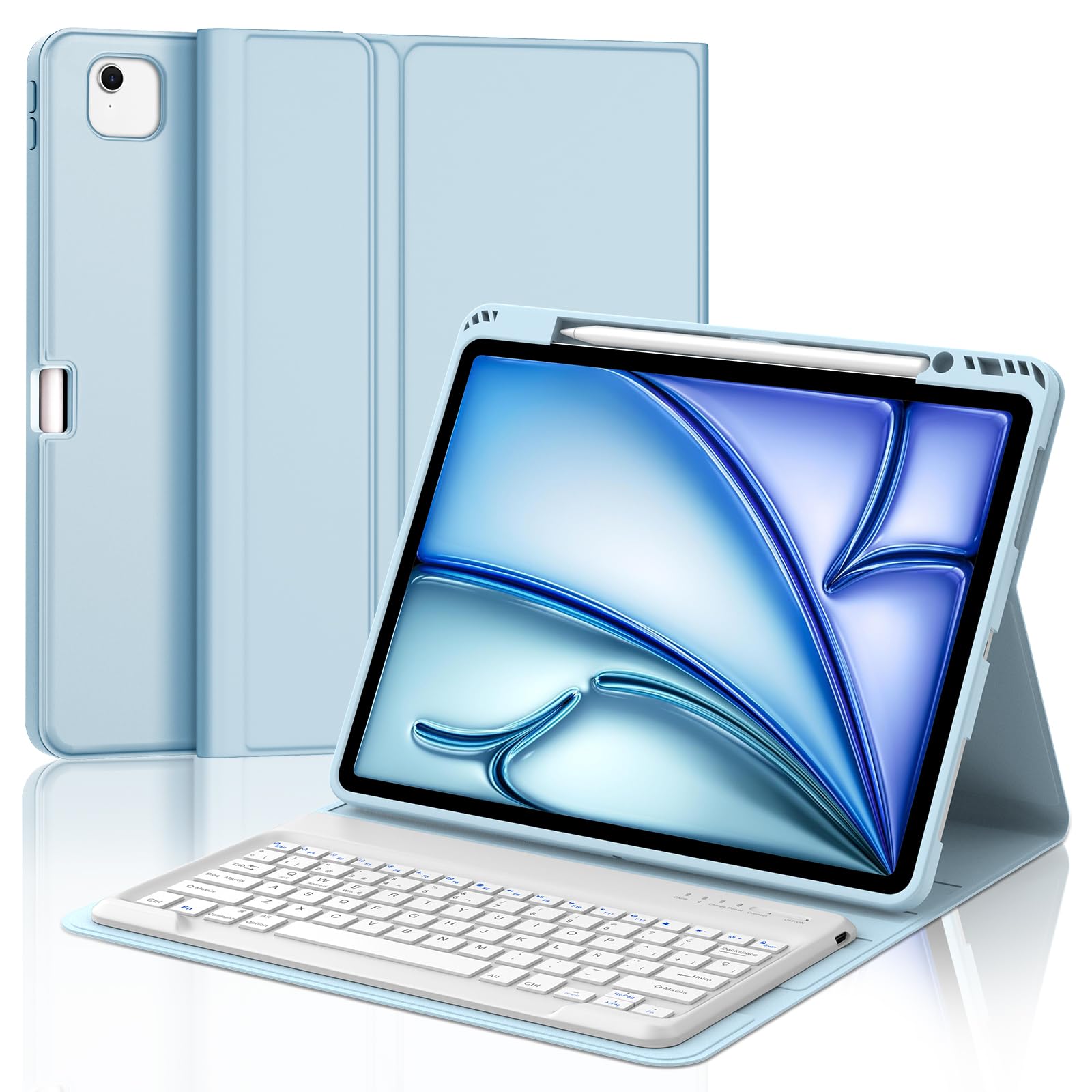 Funda con Teclado para iPad Air 13 Pulgadas (M3 2025, M2 2024)/iPad Pro 12.9 Pulgadas (6.ª/5.ª/4.ª/3.ª Generación), Teclado Bluetooth Inalámbrico con Funda Delgada y Ranura para Bolígrafo-Azul Claro
Fundas Teclado para iPad Air 13 Pulgadas en color lila claro, retroiluminación en 7 colores, trackpad y soporte para lápiz.
-
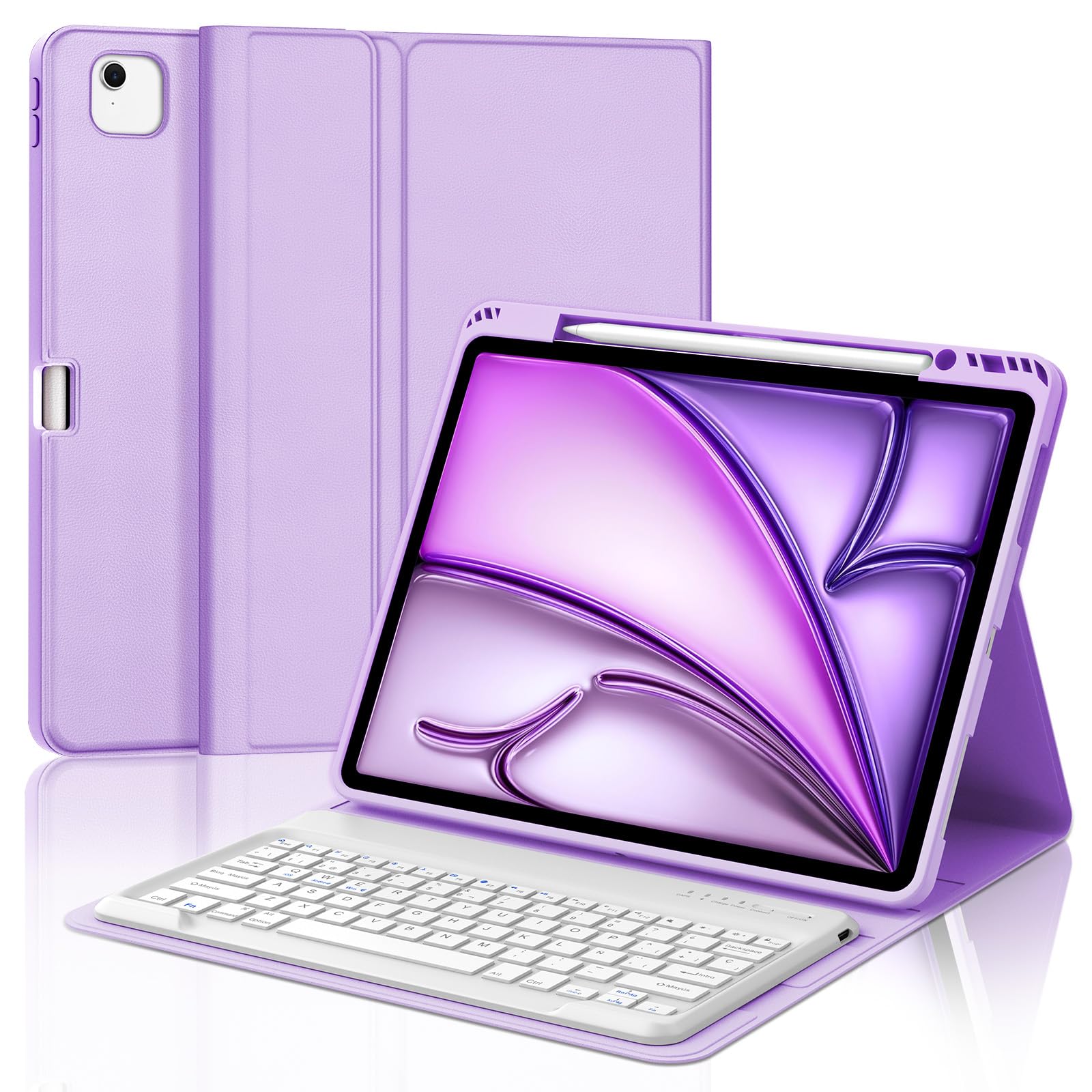 IVEOPPE Teclado para iPad Air 13 Pulgadas M4 2026/M3 2025/M2 2024, Funda Cover Keyboard Español Ñ Bluetooth Magnético Desmontable para iPad Pro 12.9 3-6 Gen, Soporte para Lápiz, Morado Claro
-
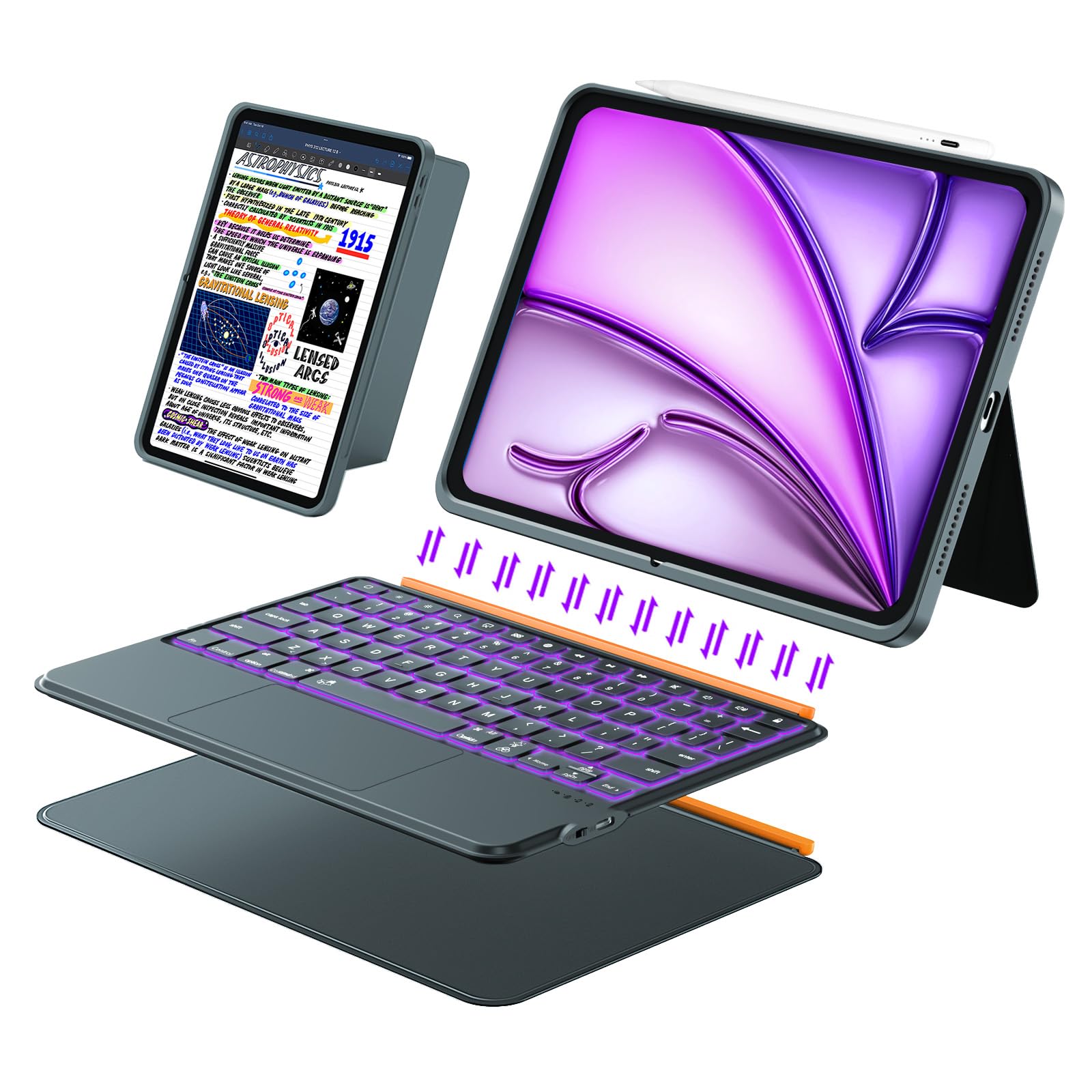 Funda con Teclado para iPad Air 13 Pulgadas (M4/M3/M2, 2026/2025/2024), Teclado Inalámbrico para iPad Pro 12,9 6ª/5ª/4ª/3ª, Desmontable Magnéticamente, Trackpad, Retroiluminación en 7 Colores (Gris) Global Recycled Standard Global Recycled Standard Global Recycled Standard
-
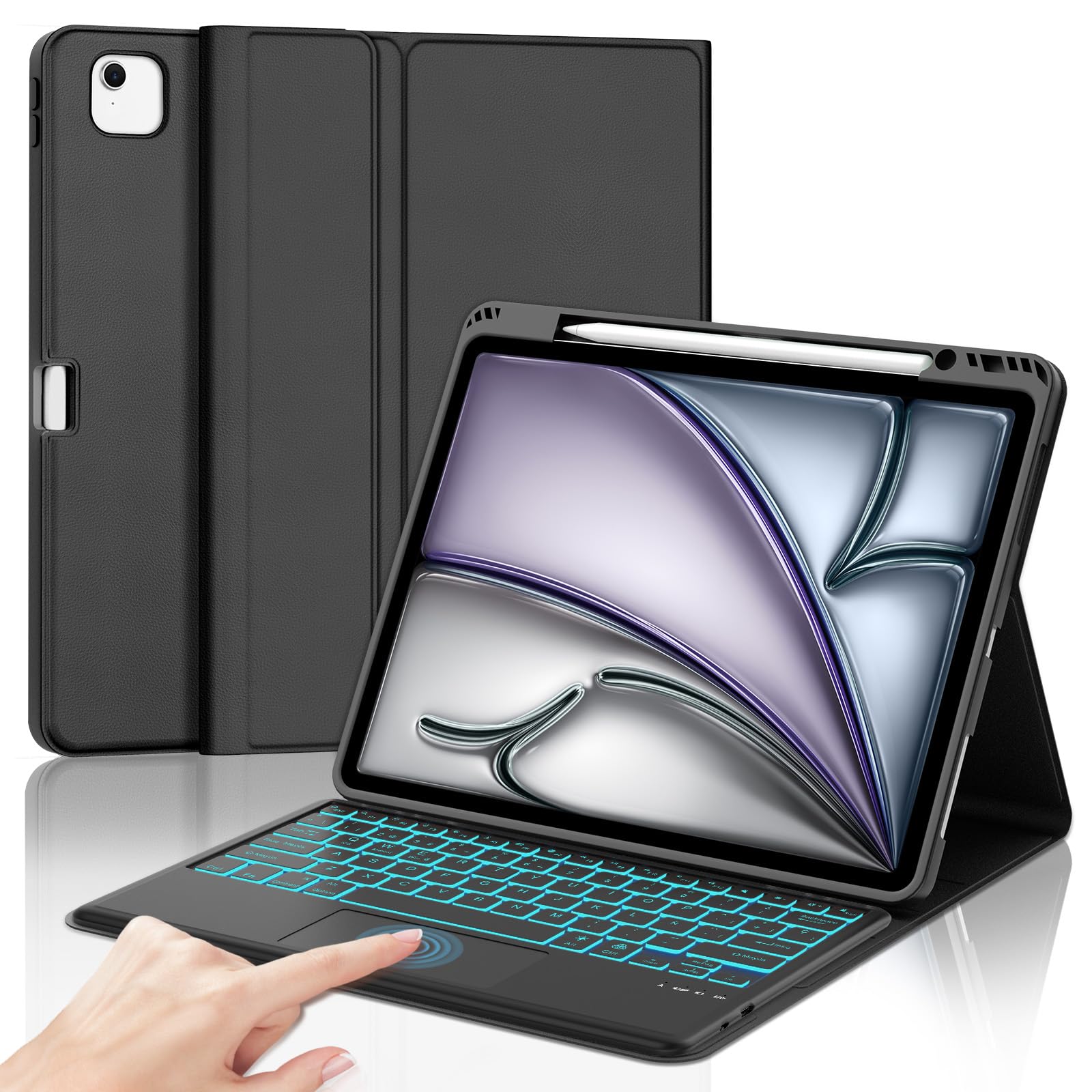 IVEOPPE Teclado para iPad Air 13 Pulgadas M4 2026/M3 2025/M2 2024 con Touchpad, Funda Cover Keyboard Retroiluminado de 7 Colores Español Ñ Bluetooth Desmontable para iPad Pro 12.9 3-6 Gen, Negro
-
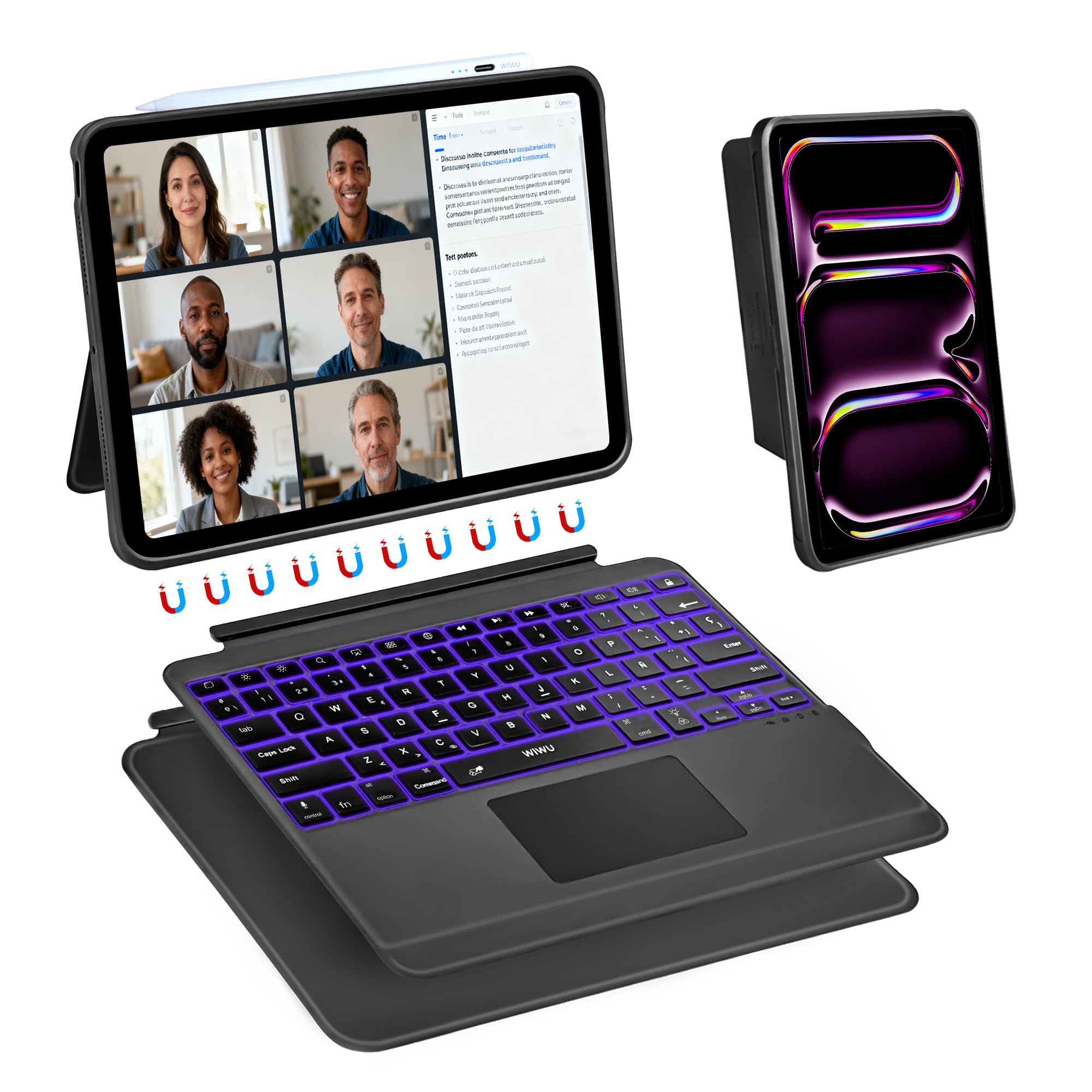 WIWU Funda Teclado para iPad Pro 13 M4/M5 2024/2025 Carcasa Magnética 3 en 1 Desmontable Teclado con Touchpad Soporte Ajustable Teclas Retroiluminadas 7 Colores (Negro, iPad Pro 13"(M4/M5 2024/2025) Global Recycled Standard Global Recycled Standard Global Recycled Standard
-
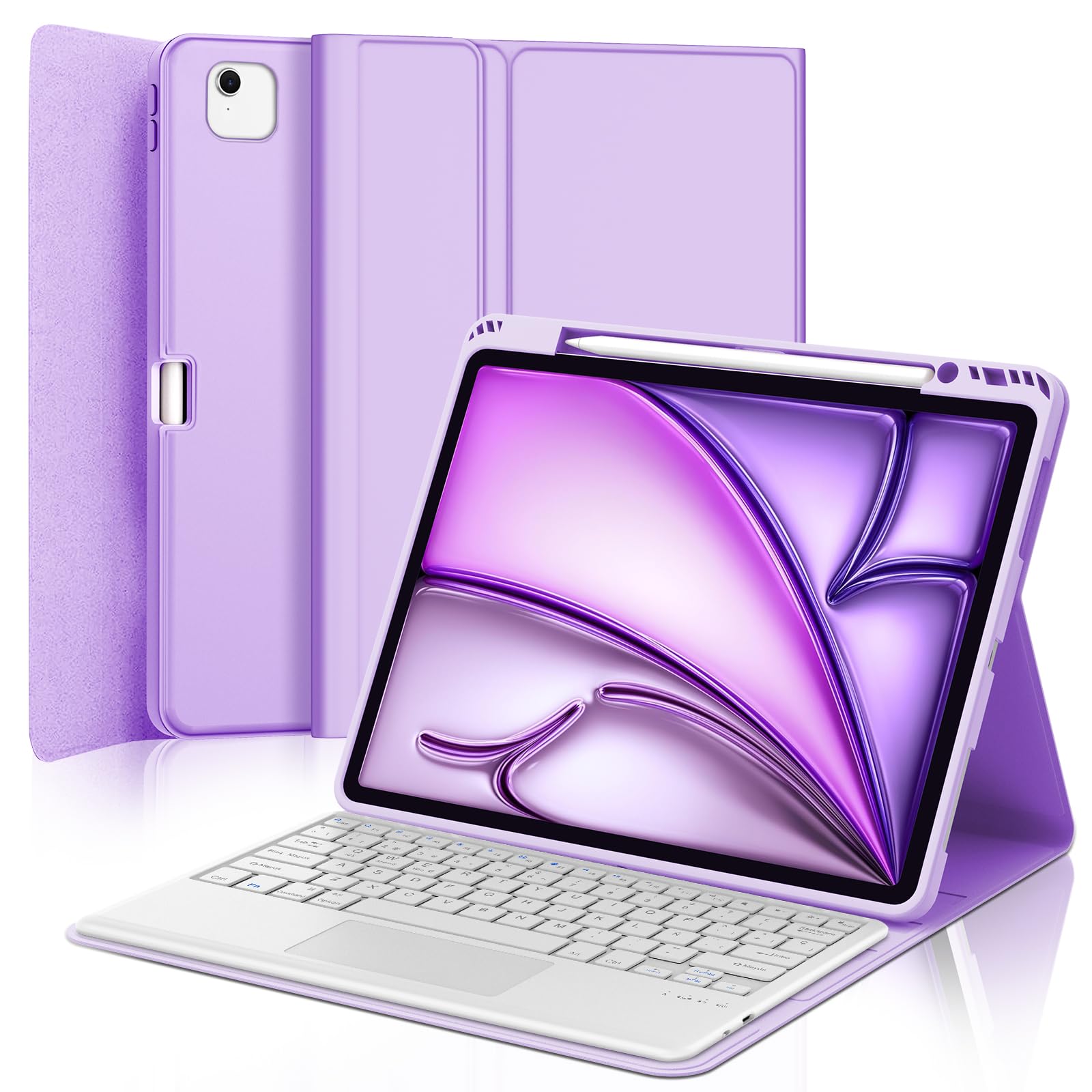 FOGARI Teclado con Touchpad para iPad Air 13 Pulgadas M2/M3/M4 2024/2025/2026, Funda con Español Ñ Teclado Magnético Desmontable Bluetooth con Trackpad para iPad Air 13" M2/M3/M4, Púrpura Claro
-
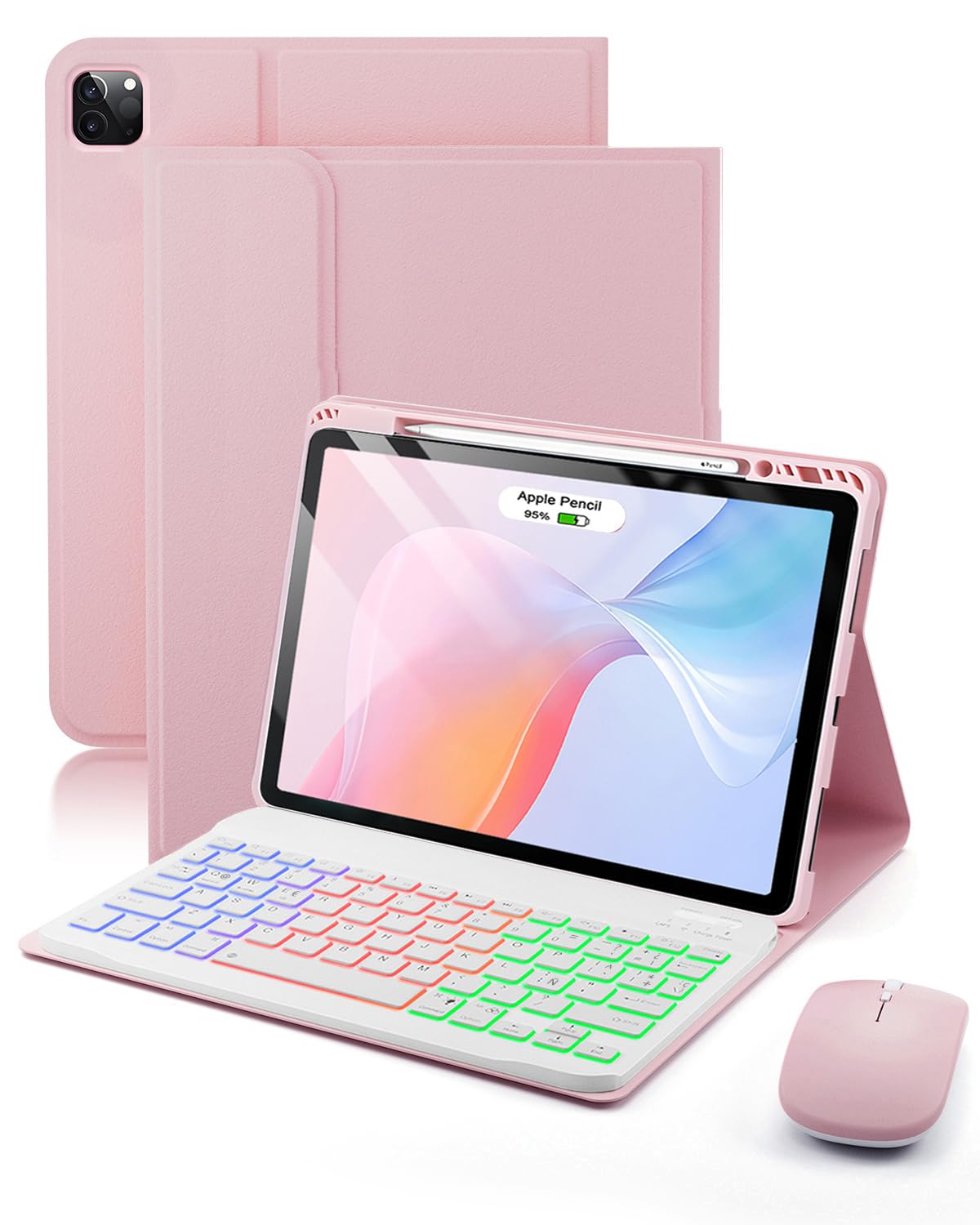 Para iPad Air 13 pulgadas(M4-2026 M3-2025 M2-2024)/iPad Pro 6a/5a/ 4a/3a Generazione 12,9 pulgadas funda con Teclado inalámbrico Bluetooth retroiluminado (teclado QWERTY, distribución española)y ratón
-
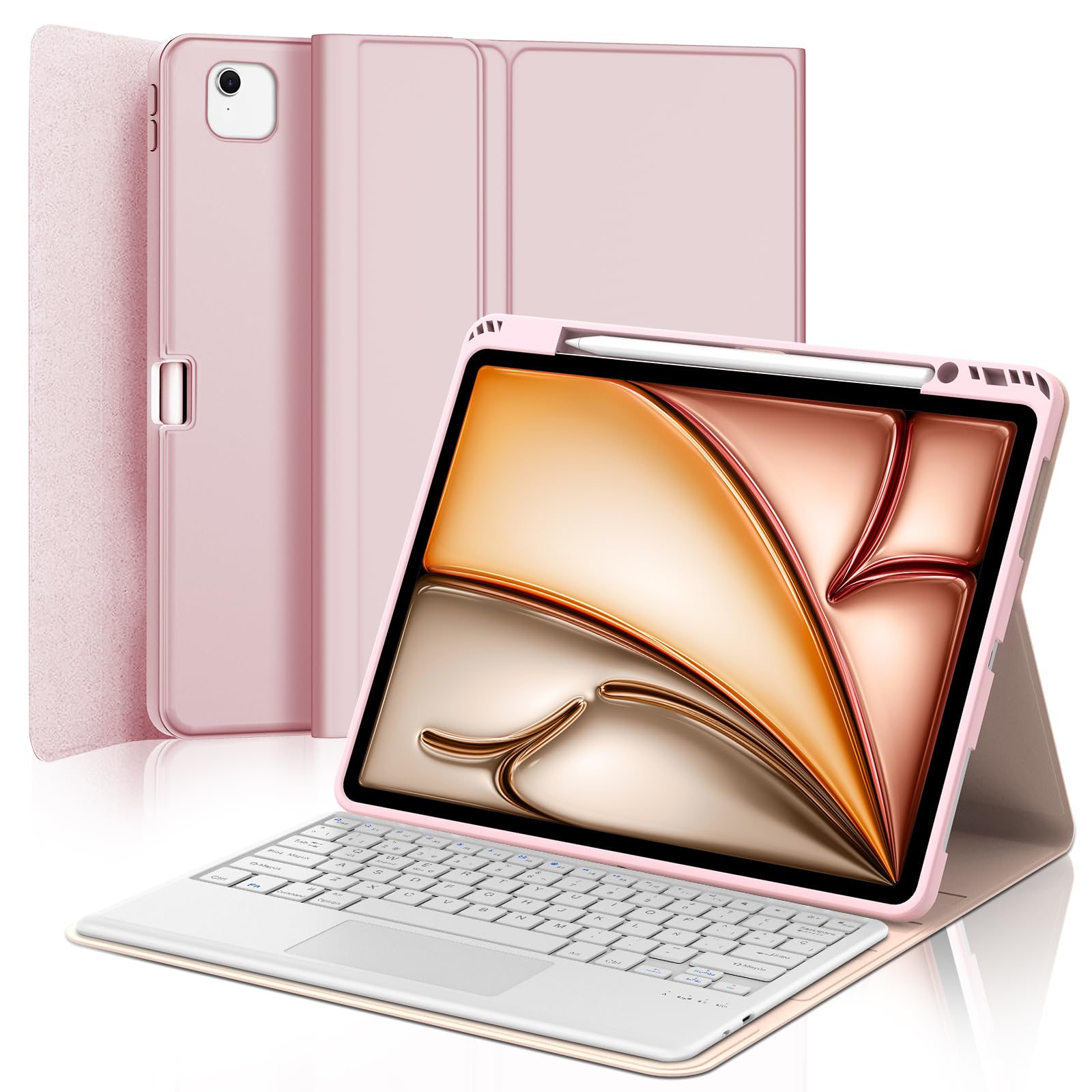 FOGARI Teclado con Touchpad para iPad Air 13 Pulgadas M4/M3/M2 2026/2025/2024, Funda con Español Ñ Teclado Magnético Desmontable Bluetooth con Trackpad para iPad Air 13" M2/M3/M4, Rosa
-
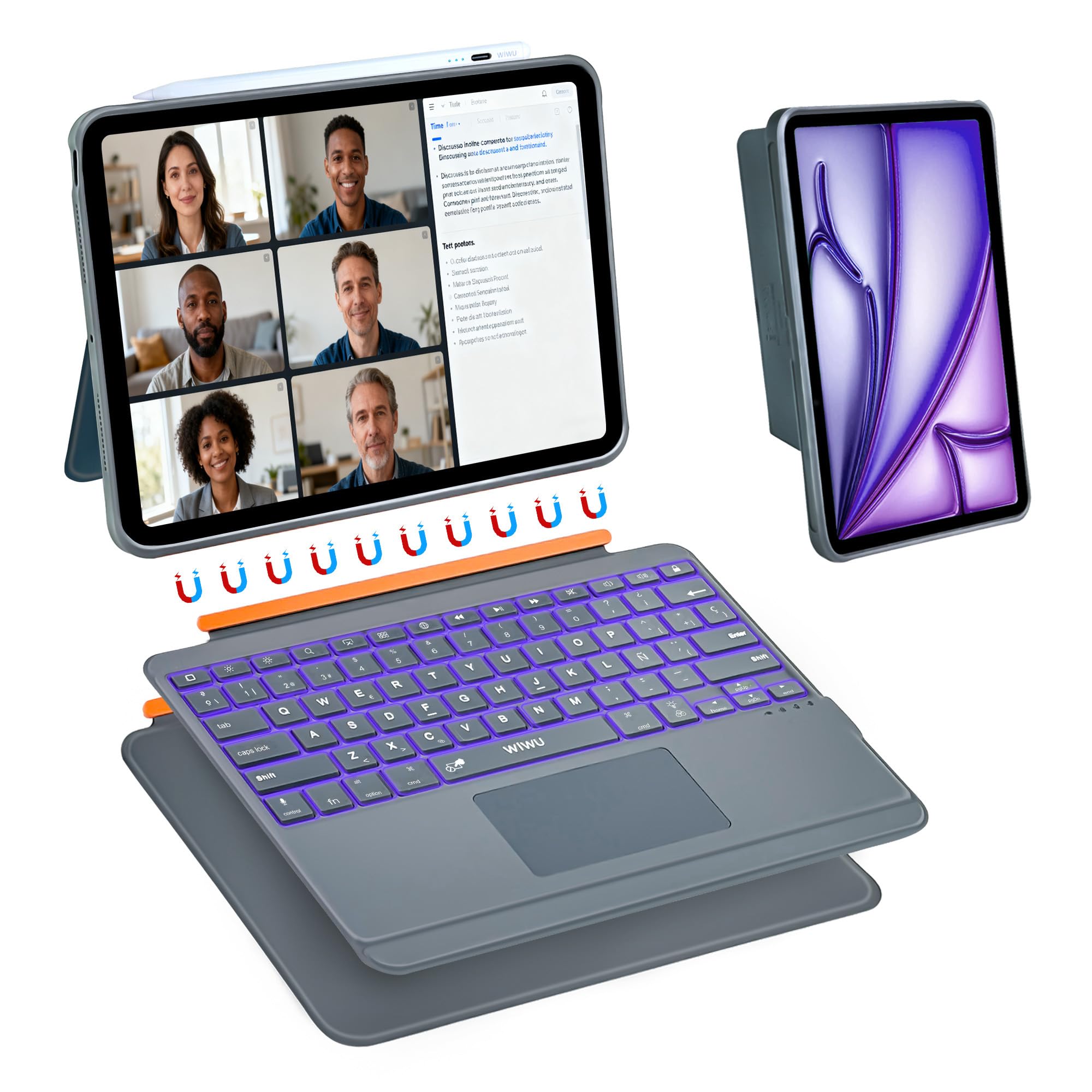 WIWU Funda Teclado para iPad Air 13 M4/M3/M2 Pro 12.9 Carcasa Magnética Teclado Desmontable Soporte Ajustable Teclas Retroiluminadas 7 Colores Trackpad (Gris, iPad Air 13" M4/M3/M2 Pro 12,9" 6/5/4/3) Global Recycled Standard Global Recycled Standard Global Recycled Standard
-
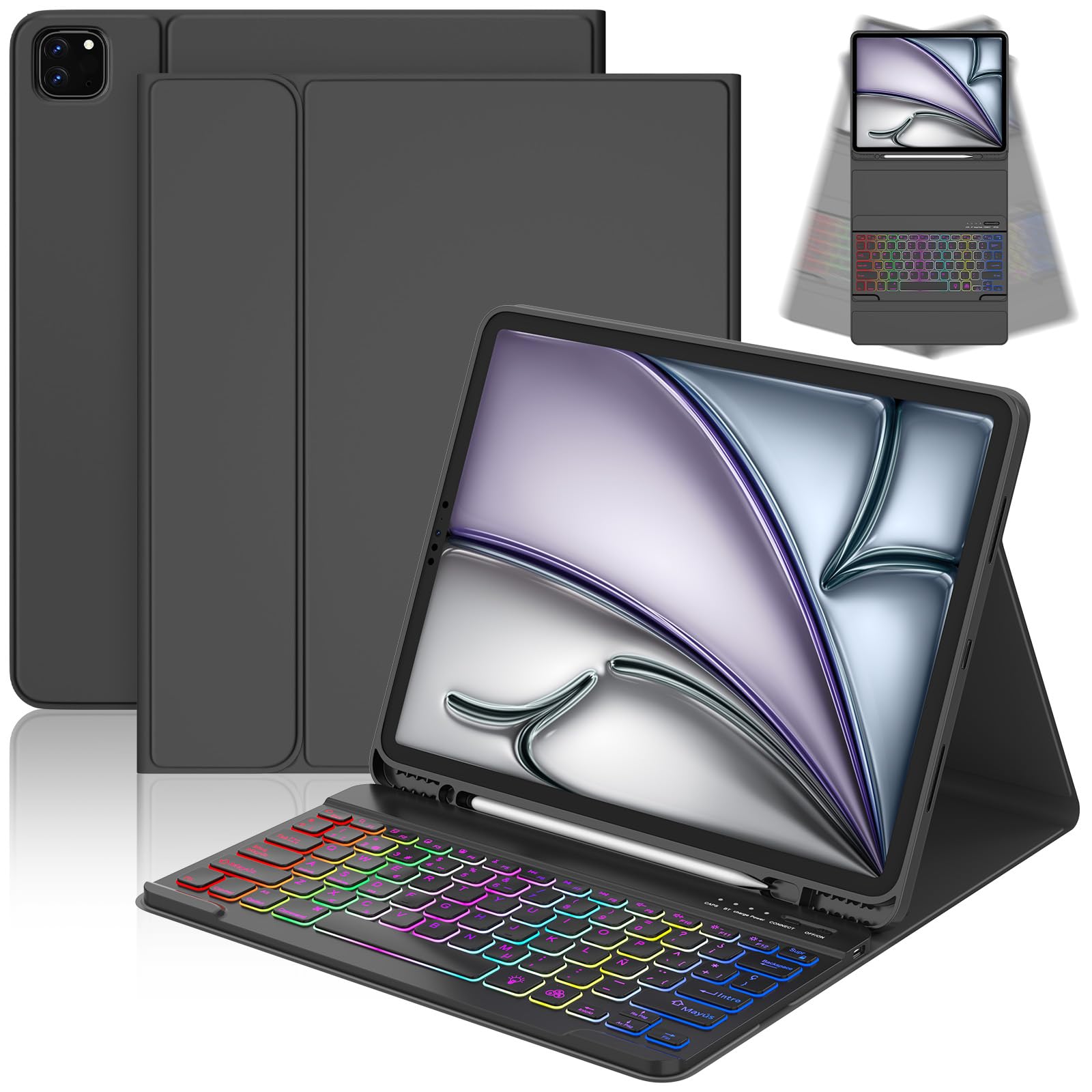 CC Store Teclado para iPad Air 13 Pulgadas M3 2025/M2 2024, iPad Pro 12,9 Pulgadas 6/5 Gen, Teclado Bluetooth magnético extraíble con iluminación de 7 Colores y Soporte para lápiz,distribución QWERTZ
-
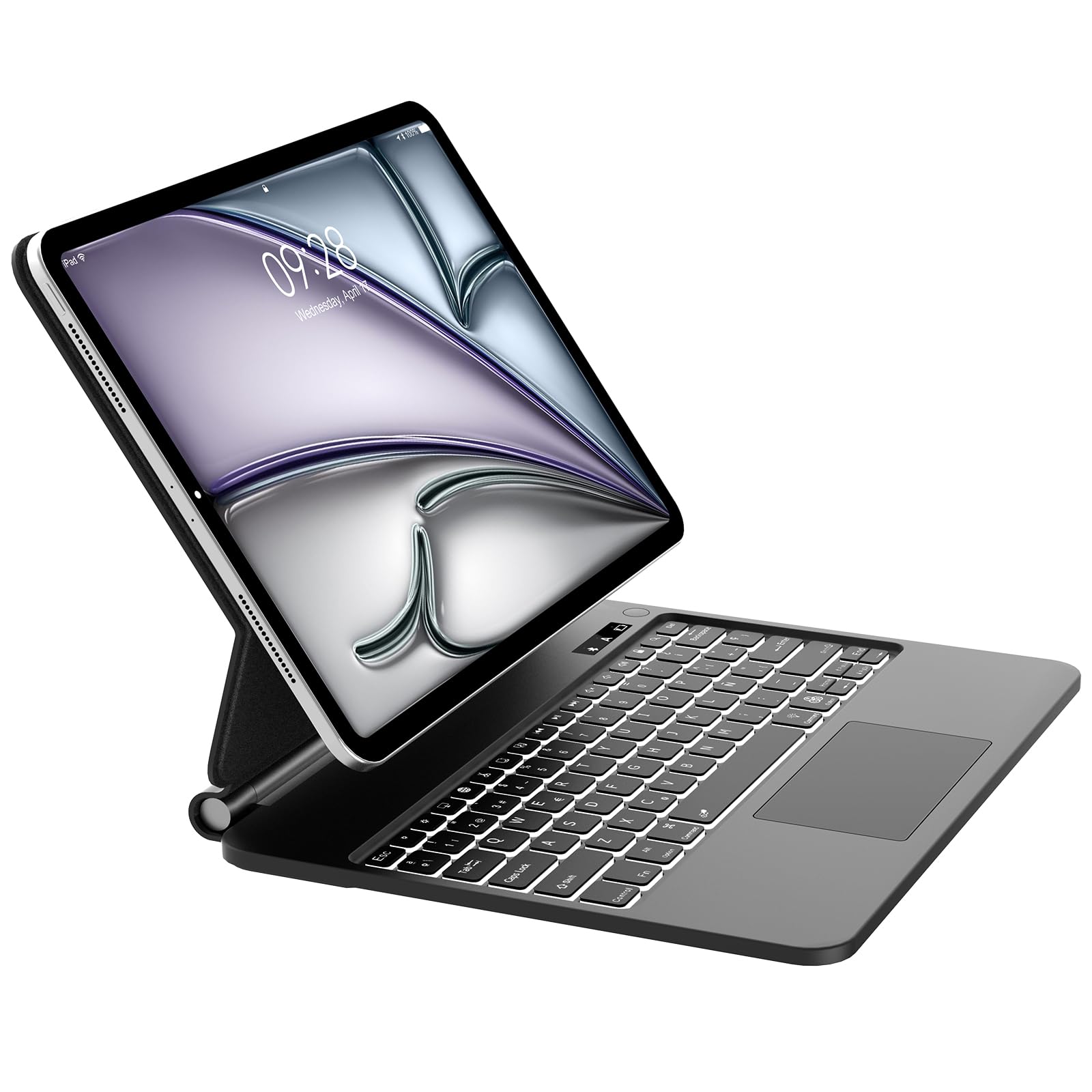 Teclado para iPad Air 13 M4 2026/ M3 2025/ M2 2024-Español Ñ Teclado para iPad Pro 12.9'' 2022/2021/2020/2018-Magic Keyboard Bluetooth Desmontable Retroiluminado para Air 13'', Negro
Fundas Teclado para iPad Air 13 Pulgadas en color rosa, teclado magnético desmontable, retroiluminación en 7 colores y soporte para lápiz.
-
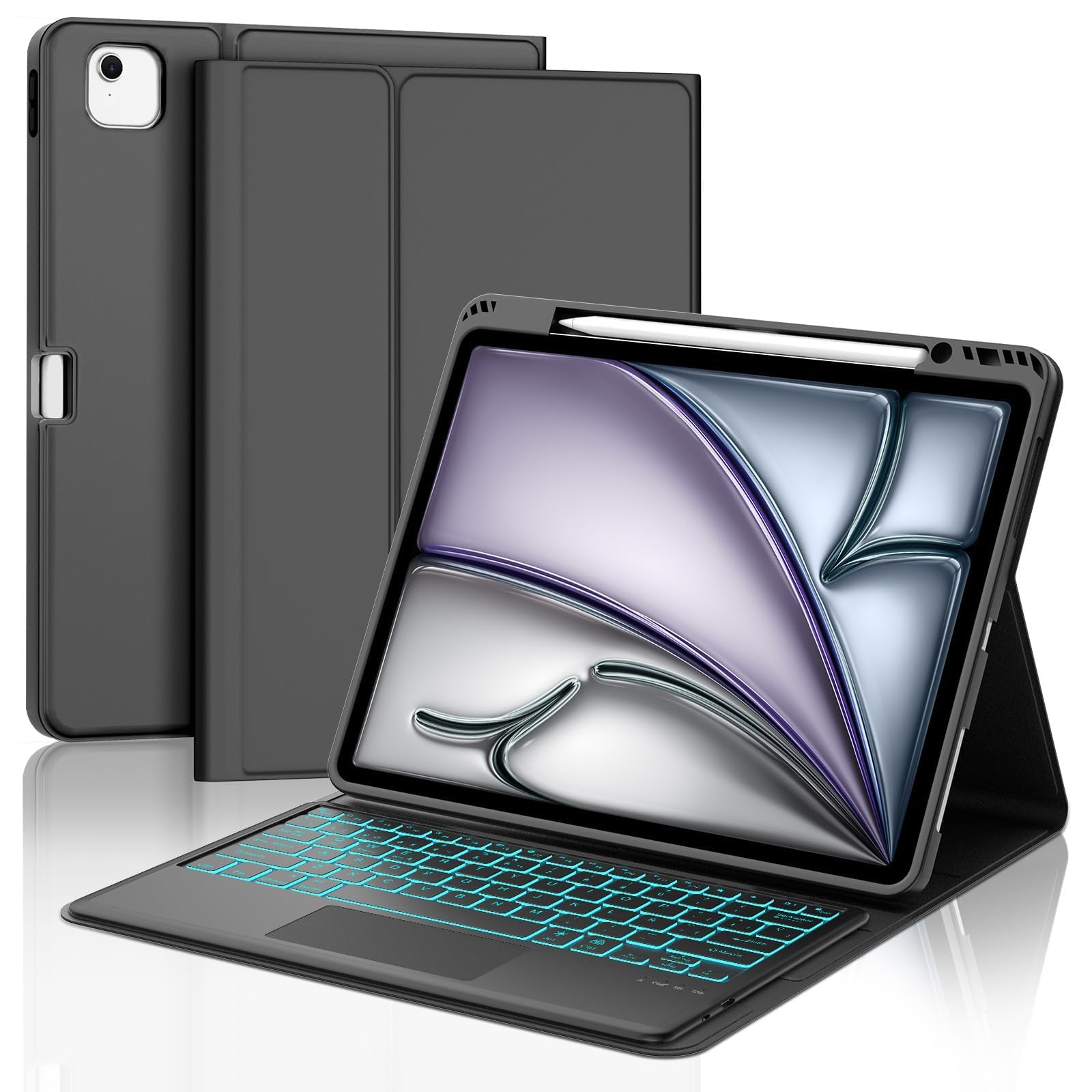 IVEOPPE Teclado para iPad Air 13 Pulgadas M4 2026/M3 2025/M2 2024 con Touchpad, Funda Cover Teclado Trackpad Español Ñ Retroiluminados Bluetooth Desmontable para iPad Pro 12.9 3-6 Gen, Negro
-
 Magic Keyboard - Funda para iPad Air de 13 pulgadas (M2 2024/M3 2025) y iPad Pro de 12.9 pulgadas (3/4/5/6ª generación), teclado Bluetooth para iPad con teclado de precisión, apagado y encendido
-
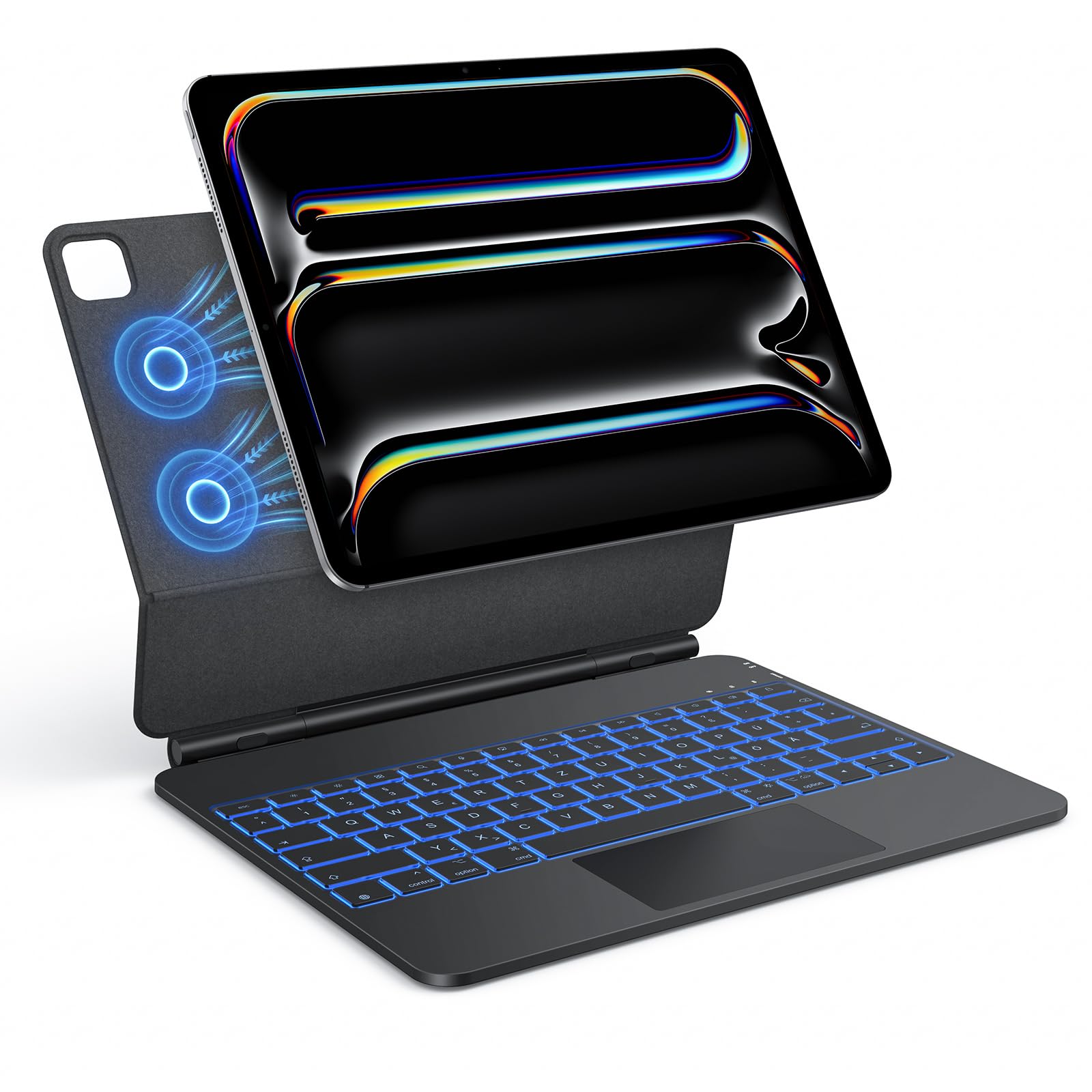 TECURS Funda con teclado para iPad Pro de 13 pulgadas 2024 (M4), teclado mágico con trackpad, diseño flotante magnético, retroiluminación de 7 colores, negro
-
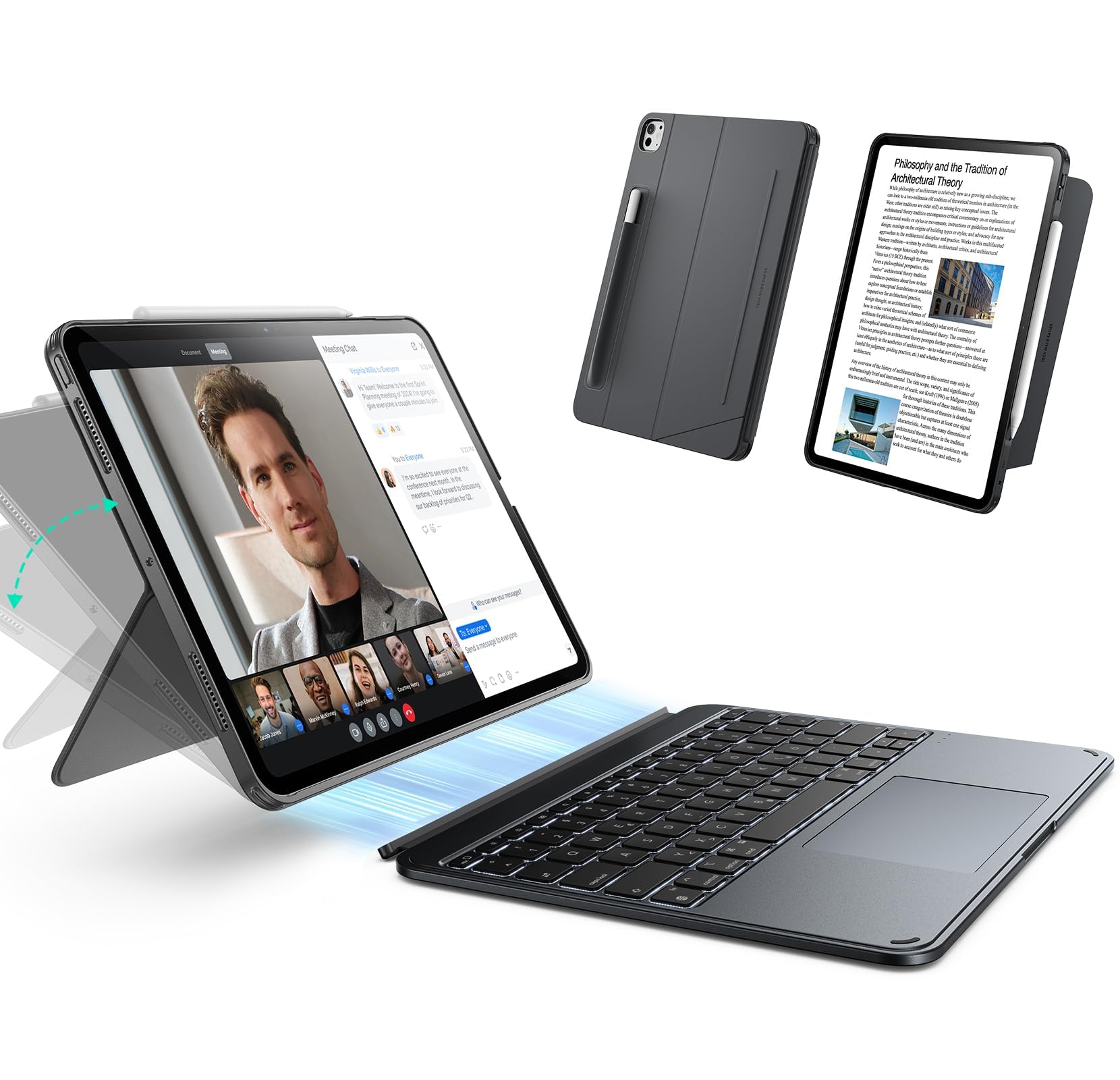 ESR Funda con teclado para iPad Pro 13" (M4) 2024 - Teclado desmontable magnéticamente, modo vertical y horizontal, gran clic en cualquier lugar, teclas retroiluminadas, serie Shift, gris oscuro
-
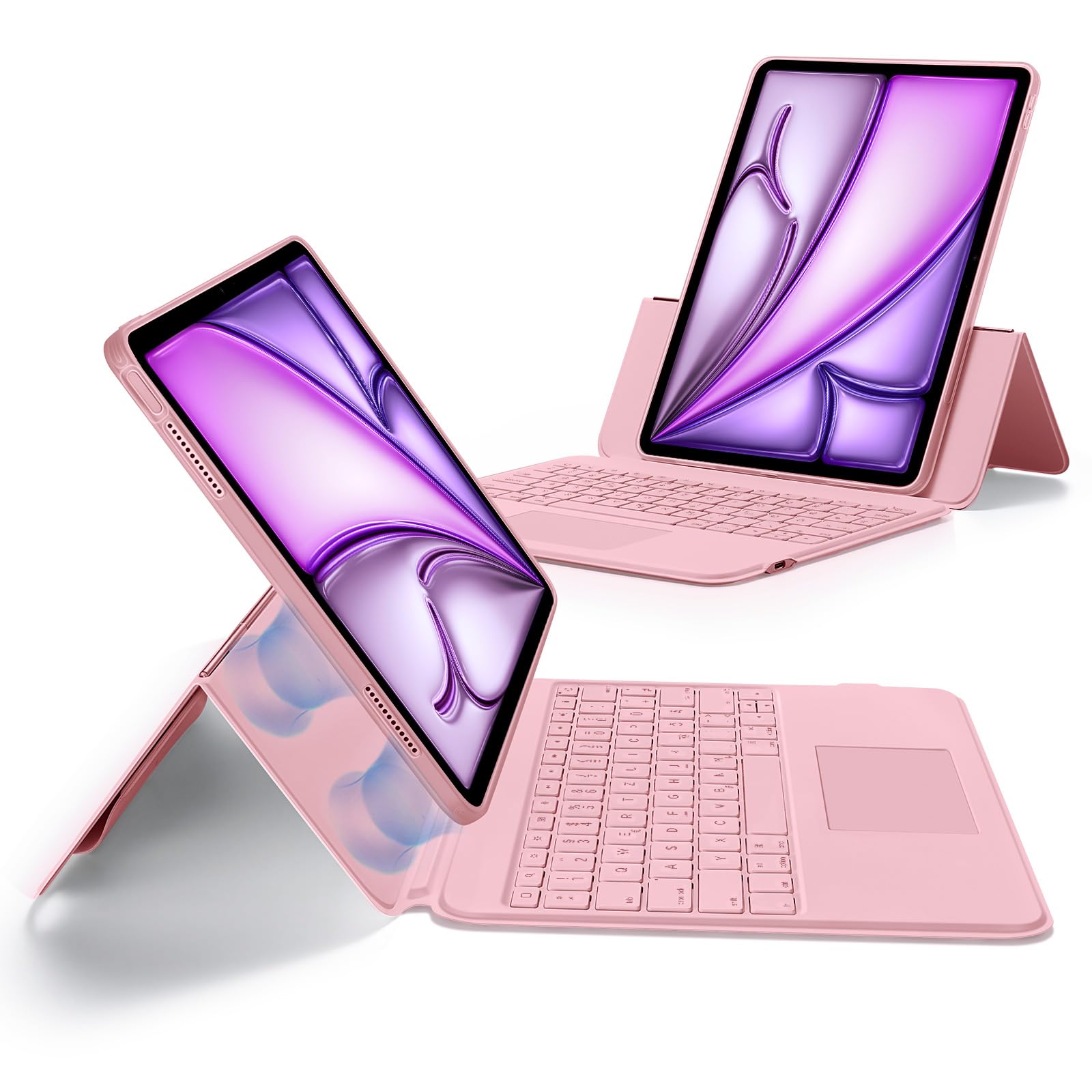 ESR Funda con teclado para iPad Air de 13 pulgadas (M3/M2, 2025/2024) con trackpad, teclado magnético extraíble con teclas retroiluminadas, modo vertical y horizontal, color rosa
-
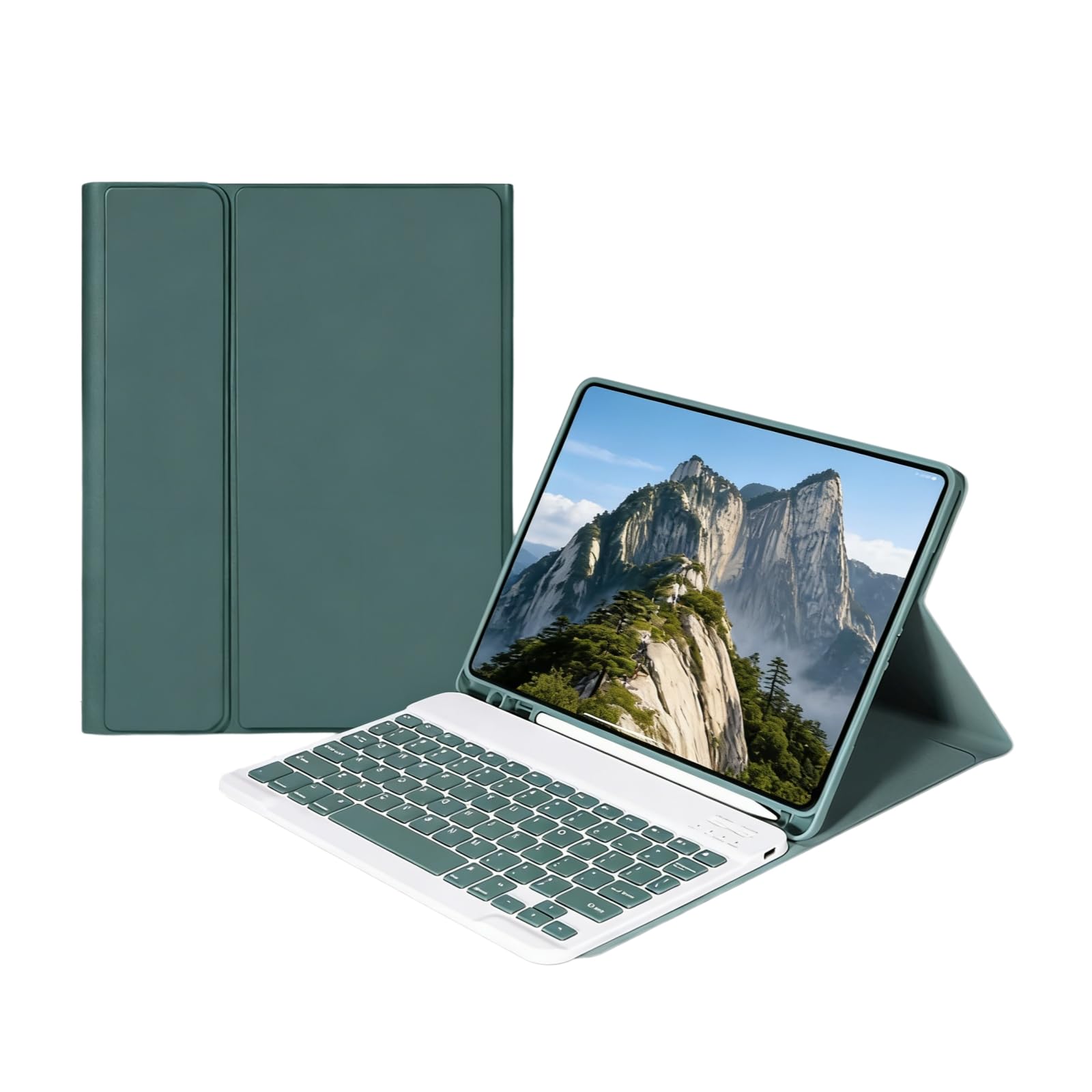 Funda con Teclado Compatible para iPad Air de 13 Pulgadas 2024 M2 2025 M3 2026 M4 con Teclado de 12 Pulgadas Bluetooth Soporte Ajustable Auto Sleep Wake(Turquoise)
-
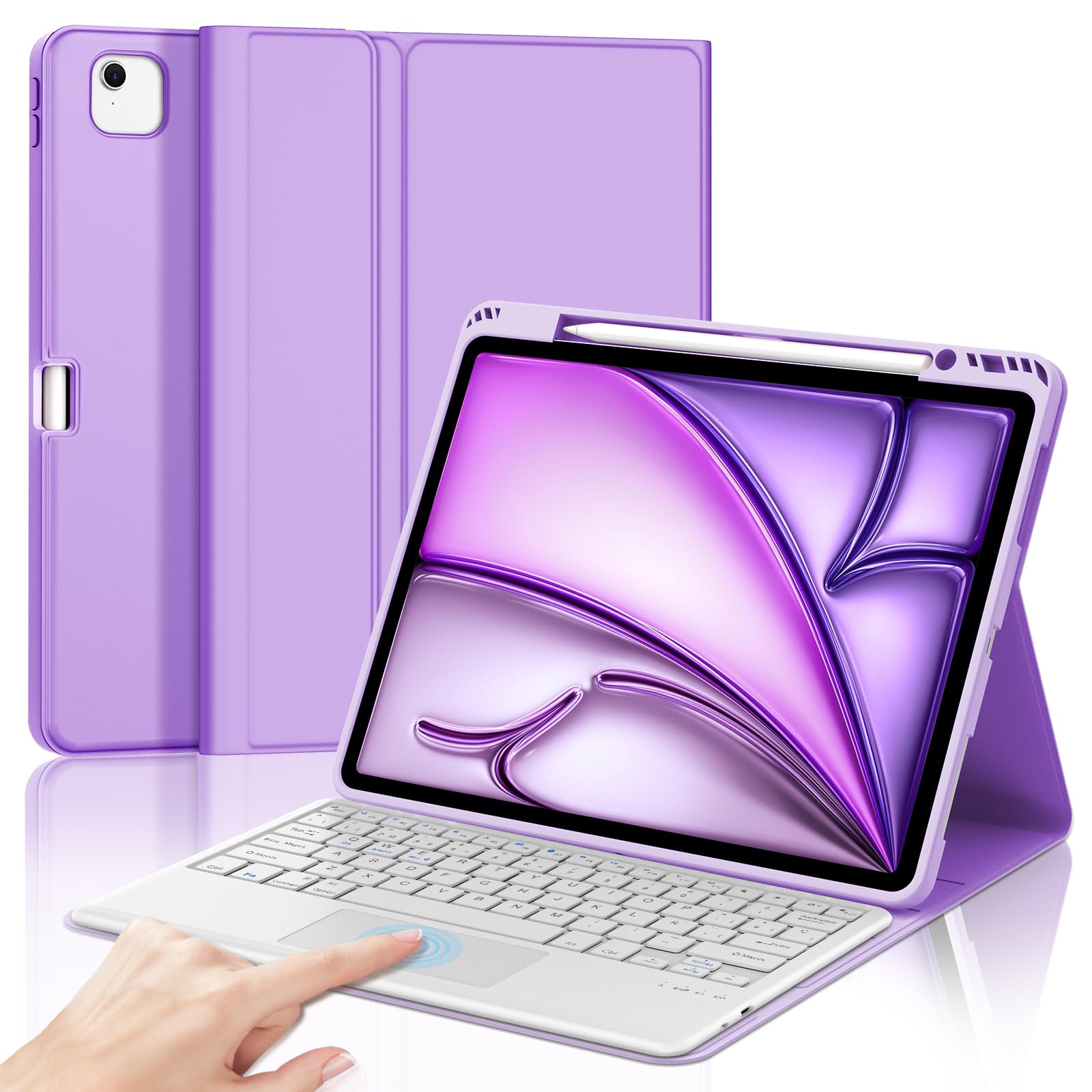 IVEOPPE Teclado para iPad Air 13 Pulgadas M4 2026/M3 2025/M2 2024 con Touchpad, Funda Cover Teclado Trackpad Español Ñ Bluetooth Desmontable para iPad Pro 12.9 3-6 Gen, Morado Claro
-
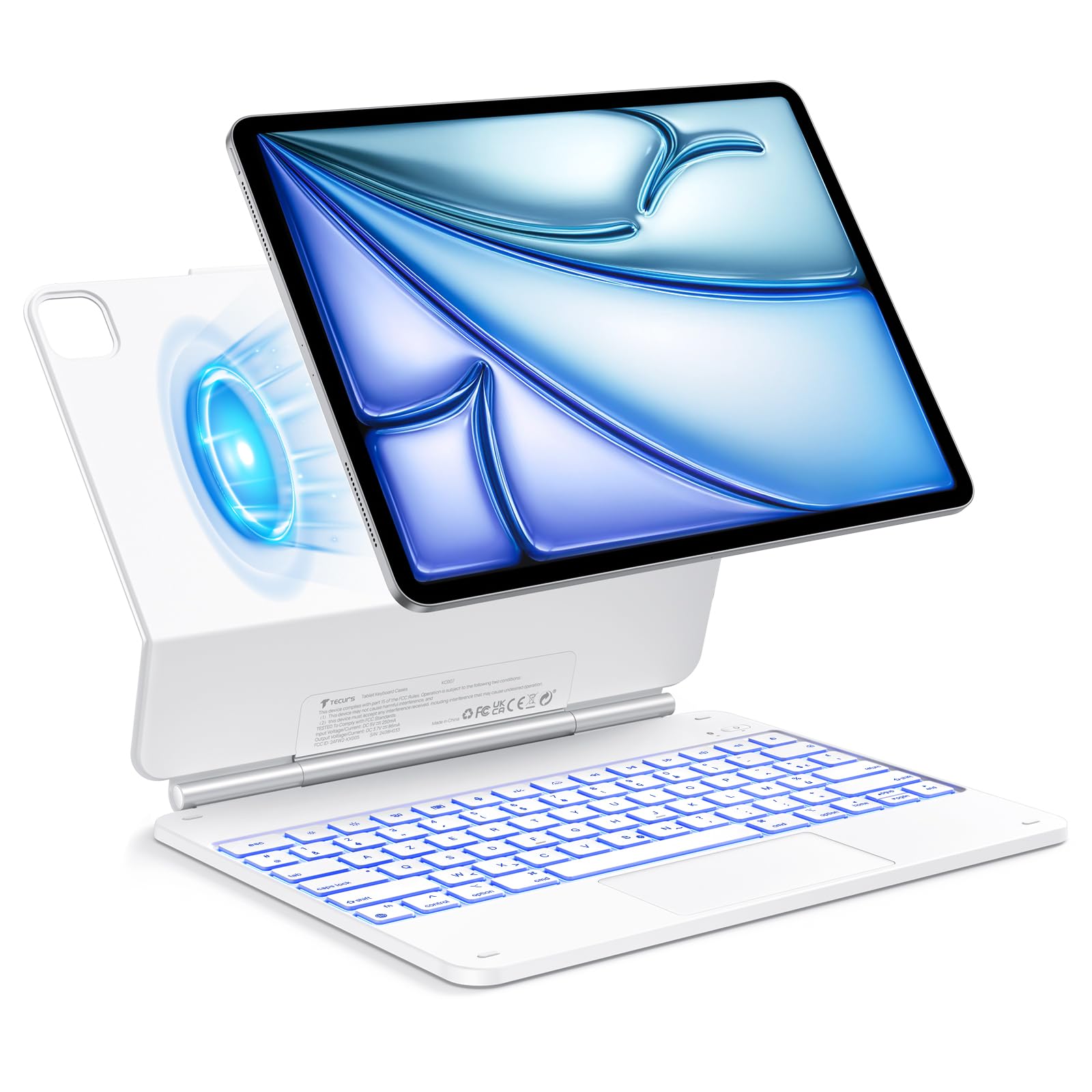 TECURS Magic Keyboard para iPad Air de 13" (M3/M2, 2025/2024), funda teclado para iPad Pro 12.9 (6/5/4/3 Gen), QWERTZ, diseño de soporte flotante, blanco (teclado francés AZERTY)
-
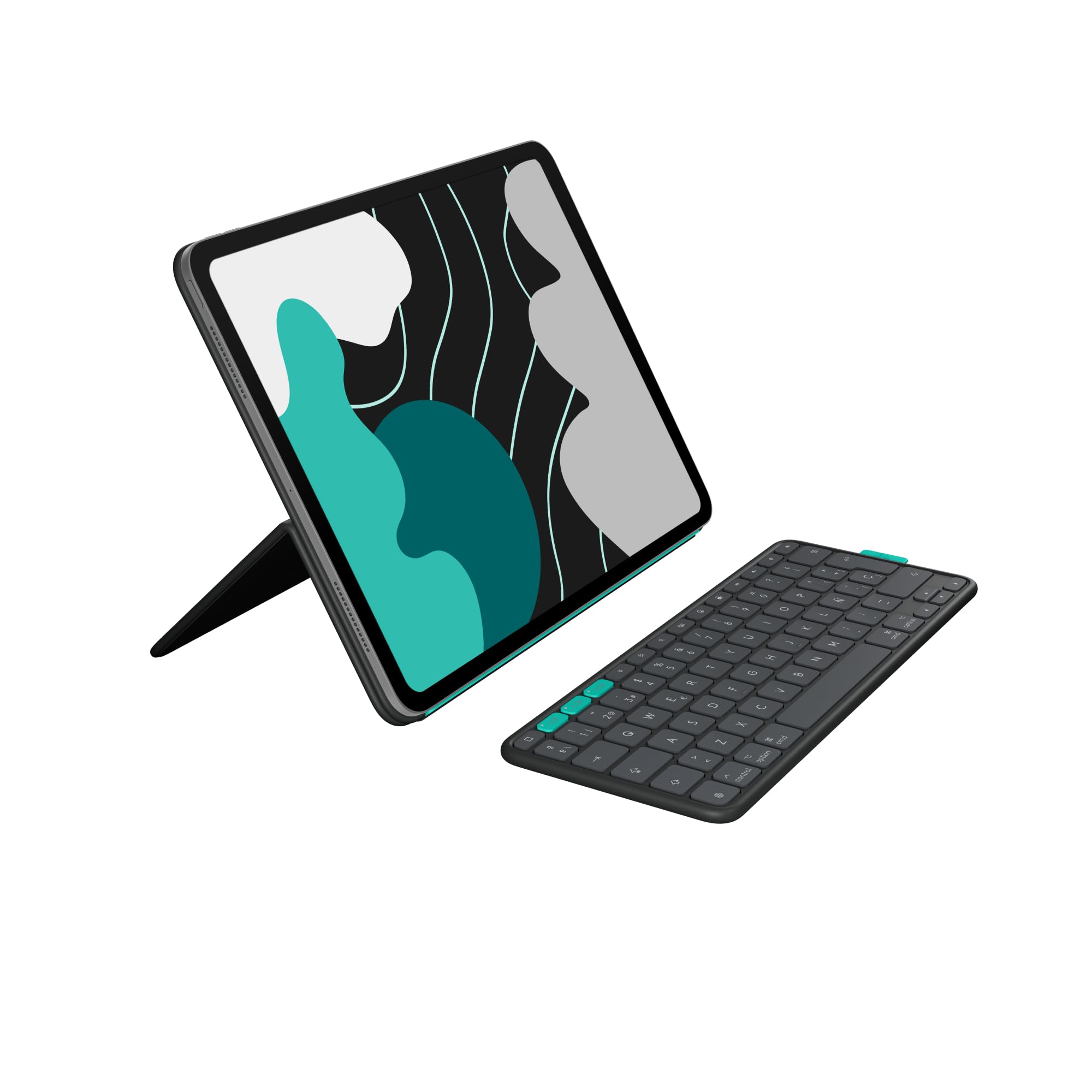 Logitech Flip Folio, funda teclado iPad Pro de 13 pulgadas (M4,M5), iPad Air de 13 pulgadas(M2, M3 y M4) (2024, 2025 y 2026):funda protectora,plegable Bluetooth,varios dispositivos, QWERTY ESP-Grafito
Más guías de accesorios de pc
Ver todas →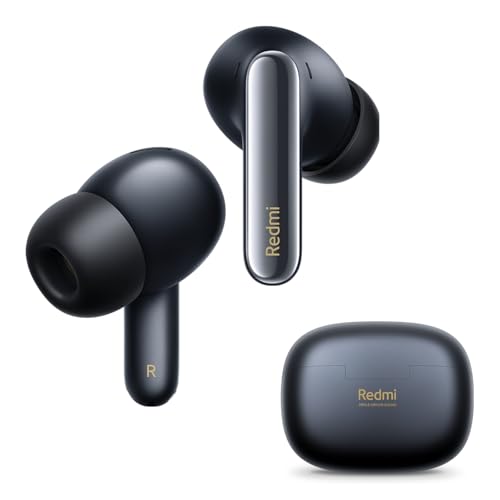 Xiaomi Redmi Buds 6 Pro Auriculares inalámbricos Bluetooth 5.2
 JBL Auriculares Inalámbricos Tour Pro 3
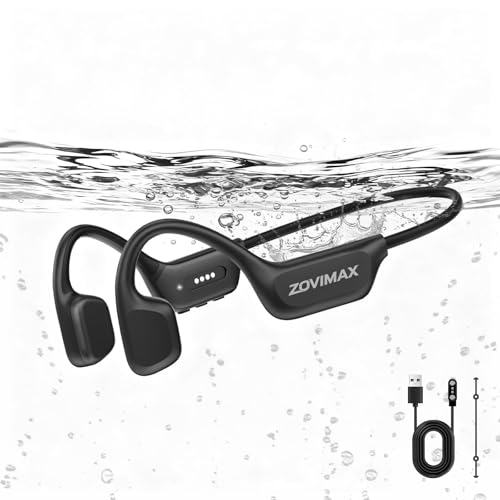 Auriculares de conducción ósea Bluetooth de Xiaomi
 Funda de auriculares de diadema para Sony WH-CH720N
 Auriculares gaming de botón con cable JBL Quantum 50C con USB-C
 Auriculares de conducción ósea Vieta Pro Bone
 Auriculares JBL inalámbricos Bluetooth Tune 525 BT
 Auriculares con cable USB-C de Apple